by PushtoLearn
Dordle
Popular Puzzle Games









You've found the right letters for one word, but they don't seem to fit the other. That's the challenge of Dordle, a word guessing game where you solve two different words at the same time. Each guess brings new clues for both puzzles, and you'll need to use them carefully to figure out the answers.
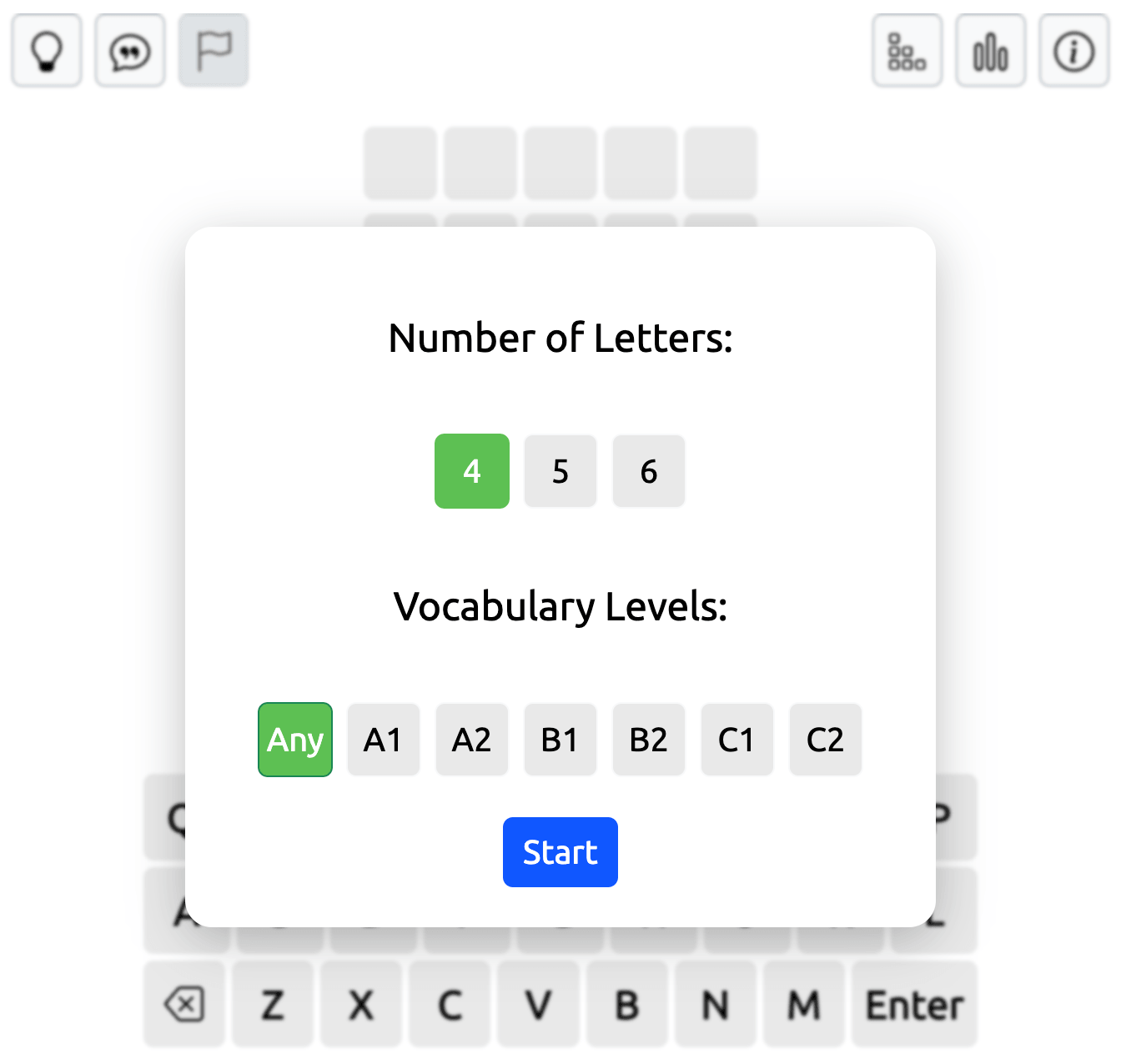
Choose 4, 5, or 6 letters, pick your difficulty level, and start guessing. Can you solve both words before you run out of attempts?
How to Play Dordle
Dordle has two game grids, each containing a different hidden word of the same length. When you type a word, the letters appear in both grids simultaneously. Press Enter to submit your guess and receive feedback for each answer. Press 1 or 2 on the left of a game grid to switch between the two game fields.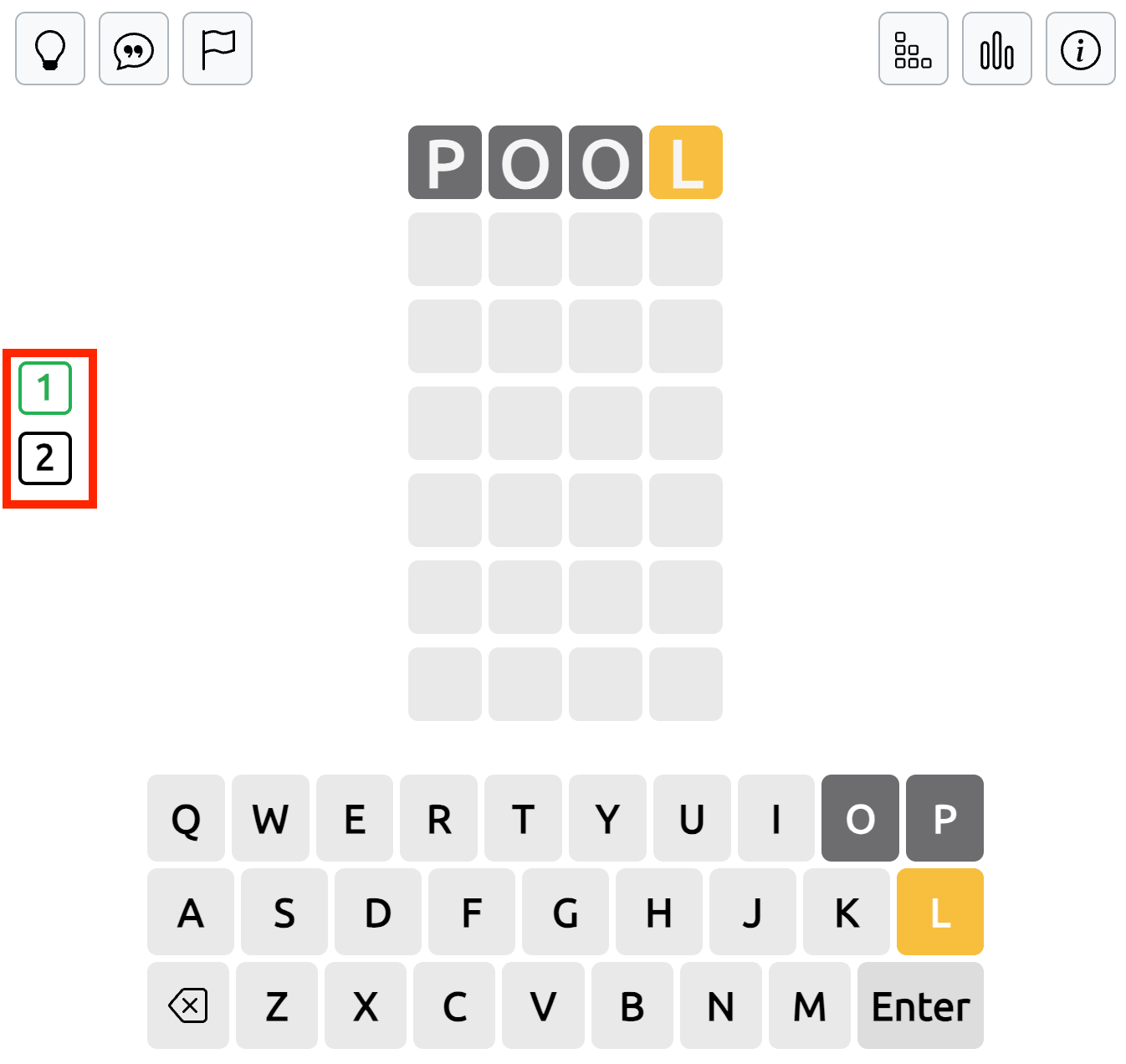
Once you've solved one word, new letters appear only in the remaining active grid. You can then concentrate on finding the second answer. 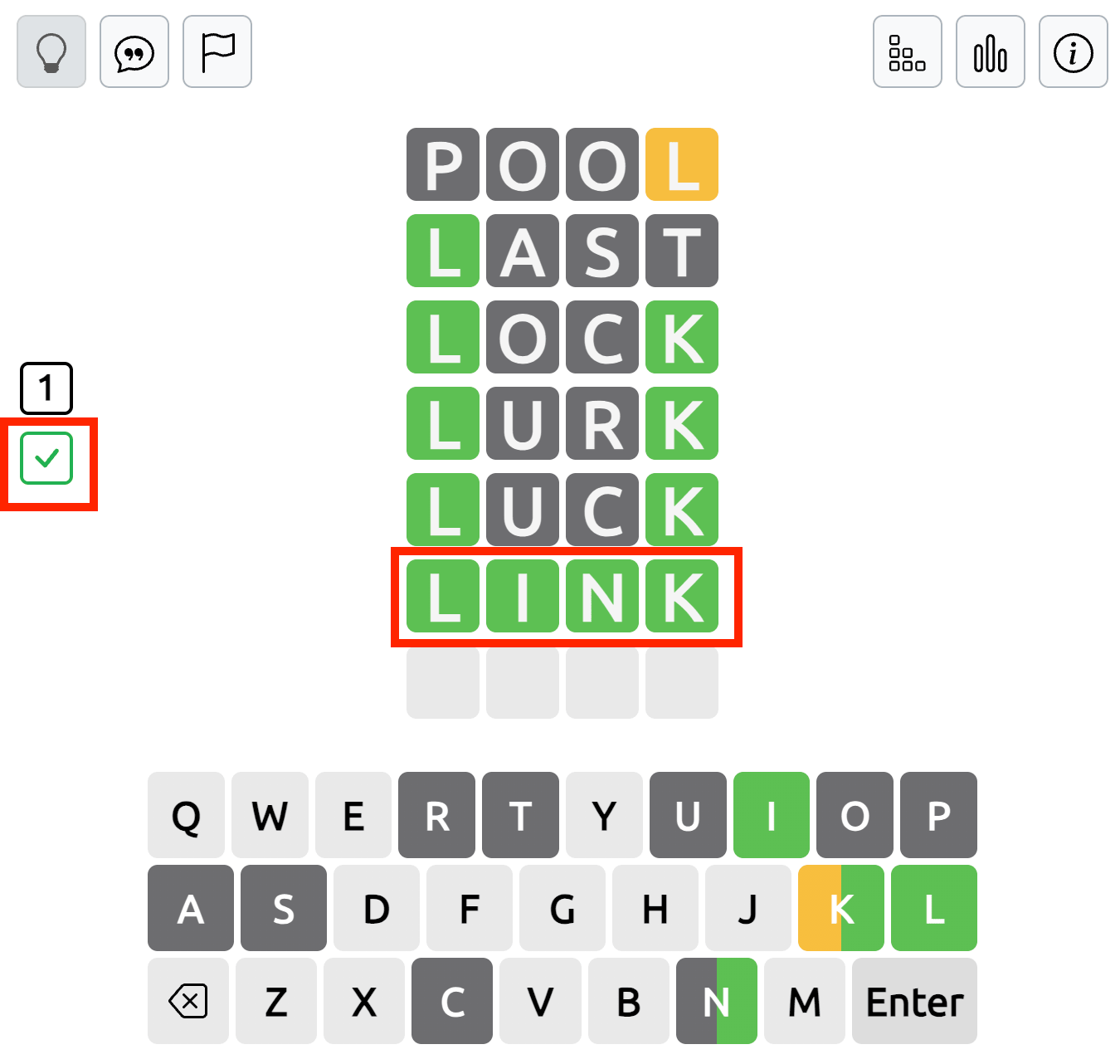
Understanding the Dordle Keyboard Colors
The on-screen keyboard displays clues for both puzzles. Since each grid has a different hidden word, the same letter may have different results. A green tile means the letter is in the correct position. Yellow indicates that the letter belongs in the word but is in the wrong place, while gray means it isn't part of that word, taking repeated-letter rules into account.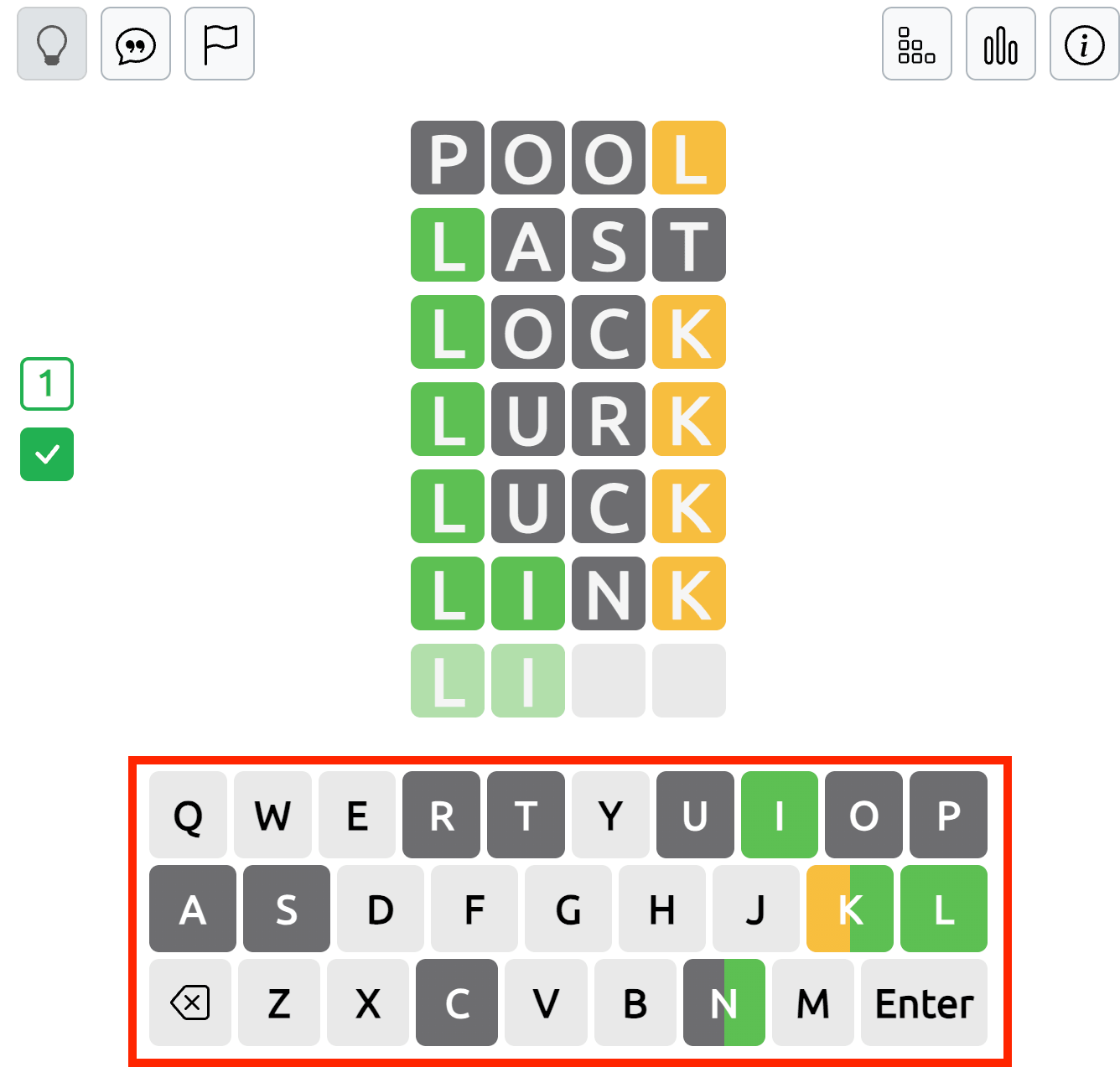
For example, if a letter is correctly positioned in one word but absent from the other, its keyboard button is colored only in half. This split-color indicator helps you track which letters belong to each answer.
How to Use Hints and Game Buttons in Dordle
In the top-left corner of the game grid, you'll find several buttons that provide hints and additional game options.
Open One Letter: Click this button, then select the position of the letter you want to reveal in the hidden word. The game will show the correct letter in that position, helping you narrow down possible answers.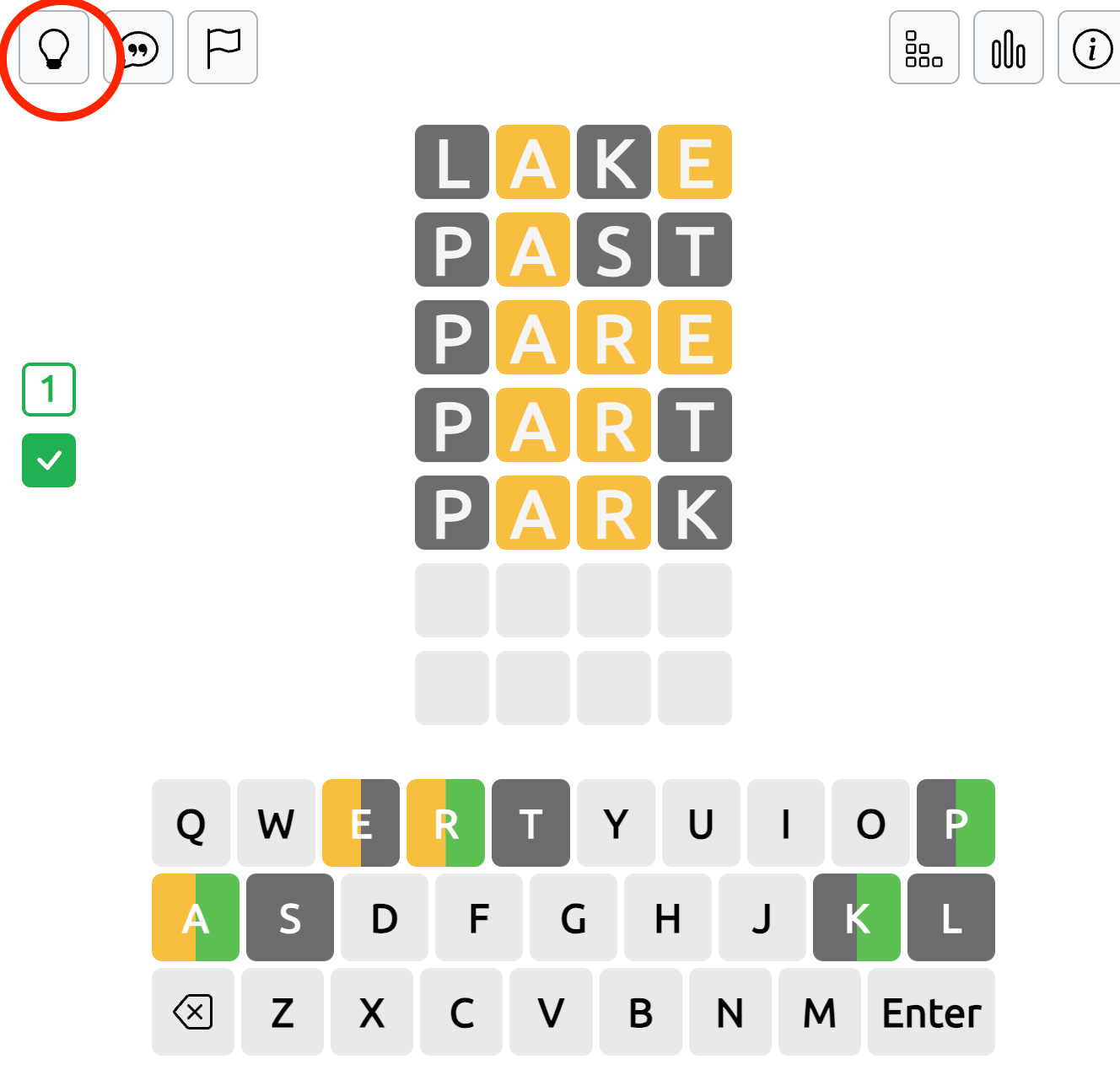
Sentence Hint (Speech Bubble): Press the speech bubble button to see an example sentence containing the hidden word. Use the context of the sentence to work out the answer.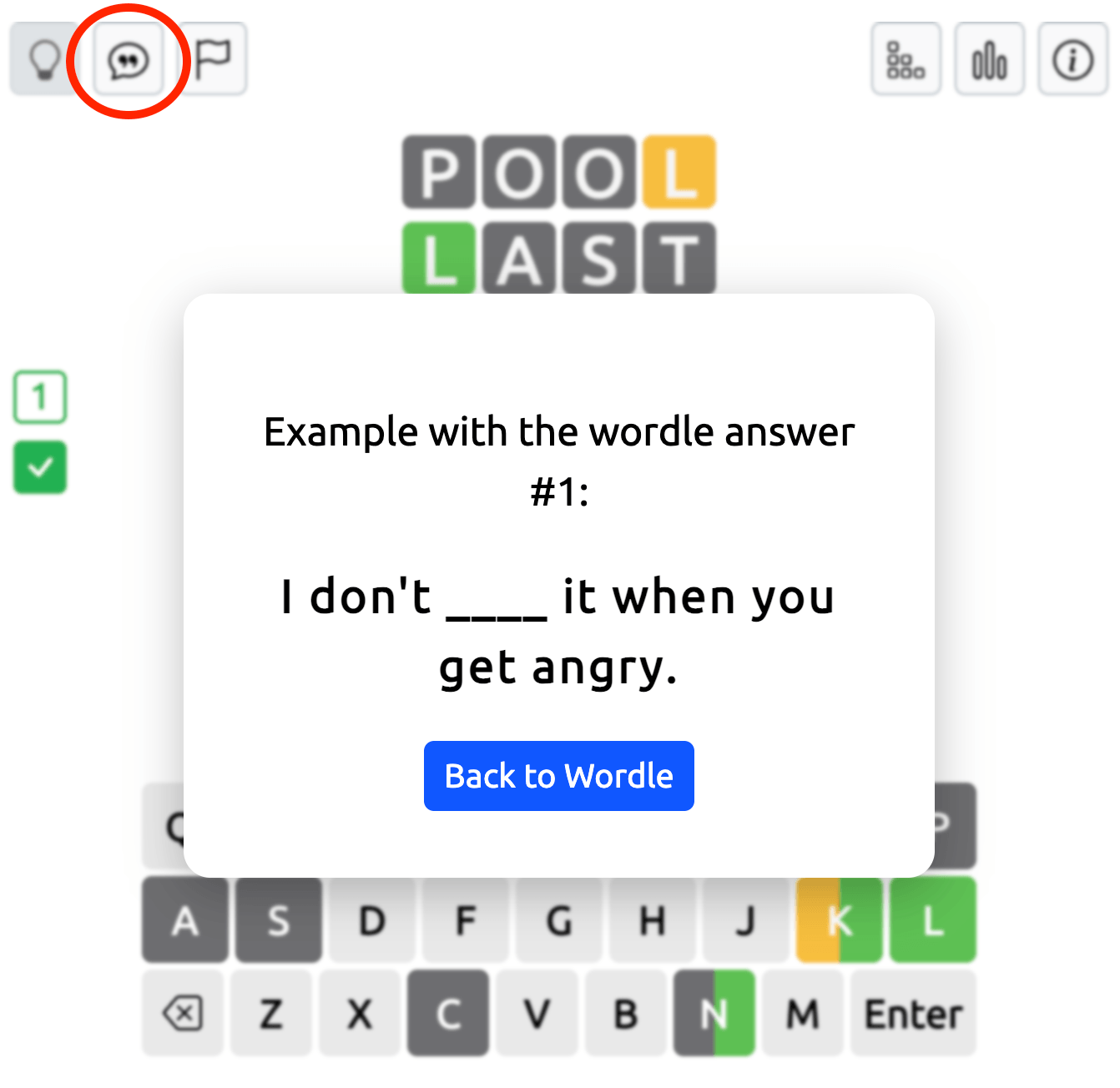
Flag Button: Click the flag icon if you want to give up the current puzzle. You can then choose to end the game and start a new one.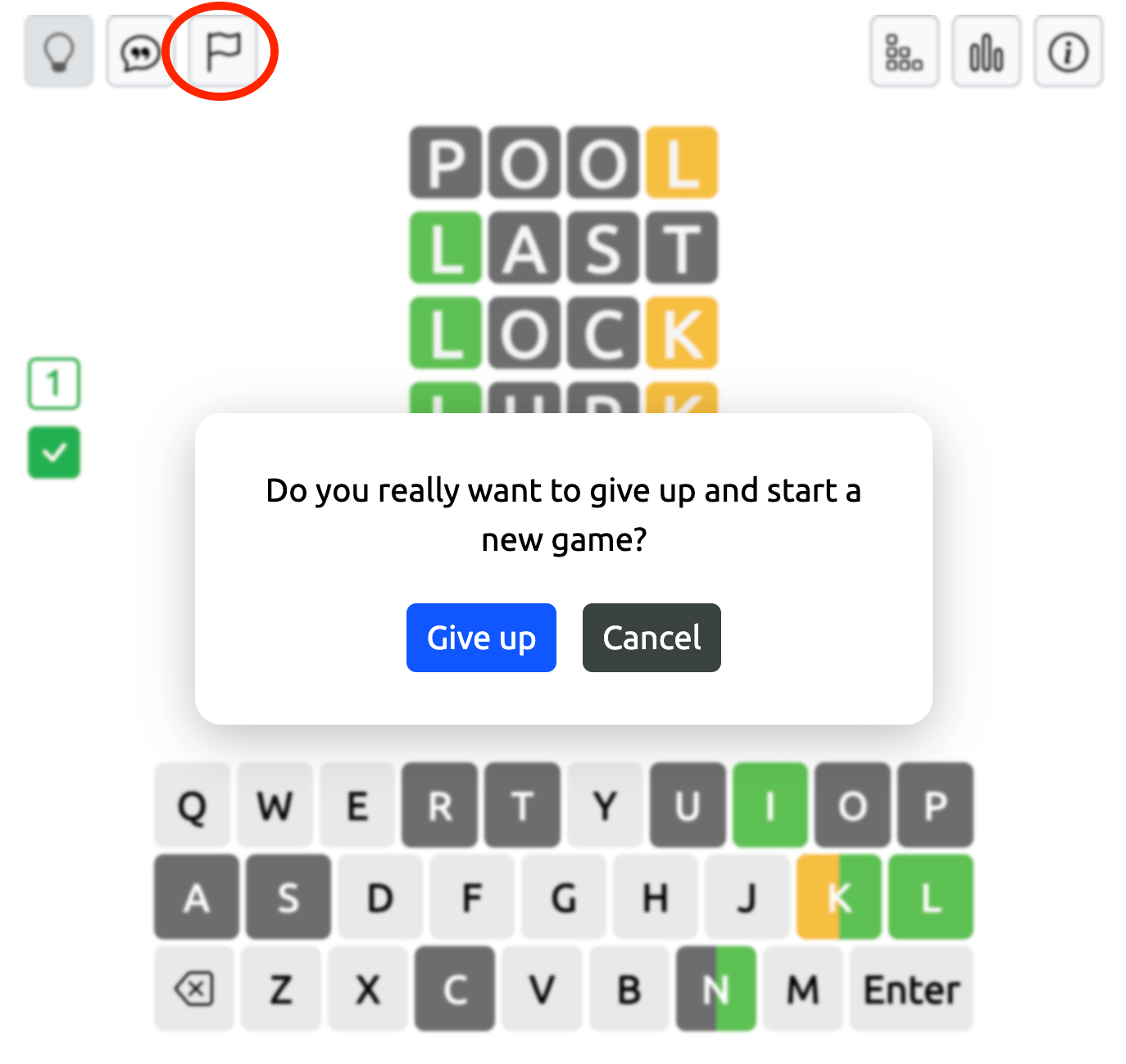
Game Settings and Additional Options
In the top-right corner of the Dordle game field, you'll find buttons for managing your game and checking your progress.
Settings: Click this button to change the number of letters (4, 5, or 6) and select a different difficulty level. You can also start a new puzzle with your chosen settings.
Statistics: Open this section to view your game statistics and track your progress in Dordle: word streak, best word streak, day streak, best day streak
Rules: Click this button to read a short explanation of the game rules and refresh your understanding of how Dordle works.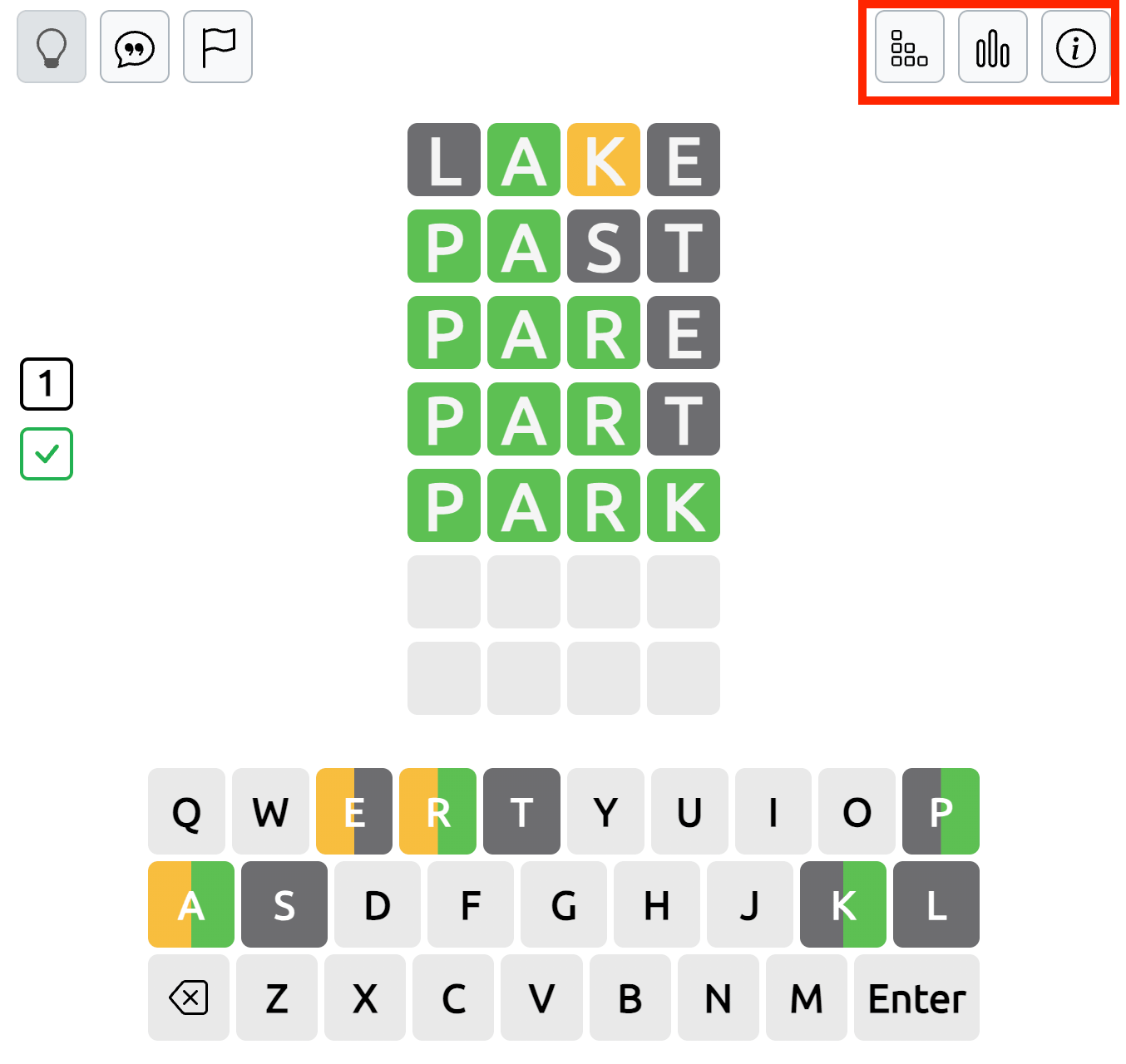
Winning and Losing in Dordle
When you successfully guess both hidden words, a You Won window appears with your game statistics. It shows your Best Word, Best Word Streak, Day Streak, and Best Day Streak, helping you track your progress over time.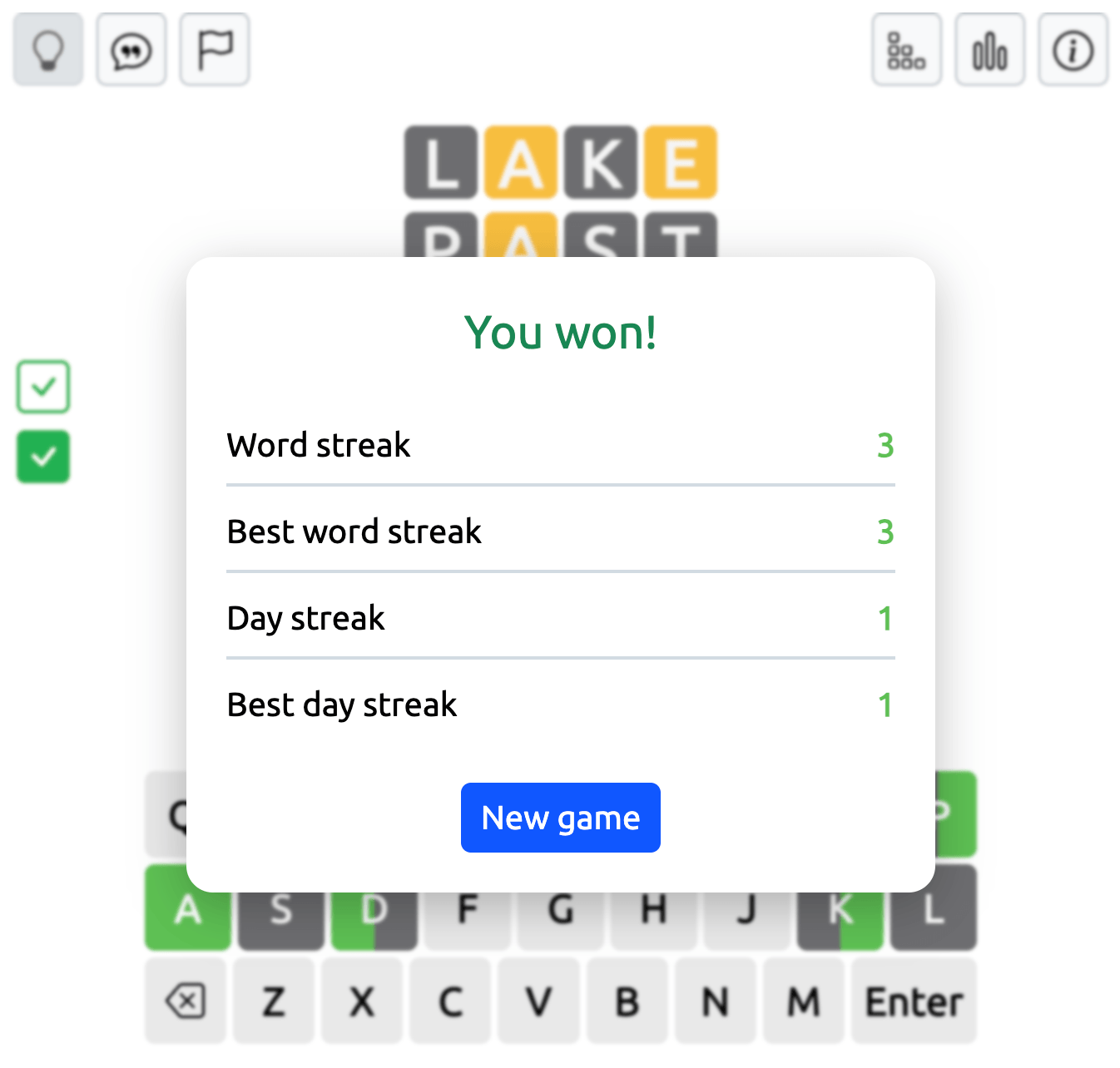
If you run out of attempts before solving both words, a You Lost window appears instead. It reveals the hidden words so you can see the correct answers.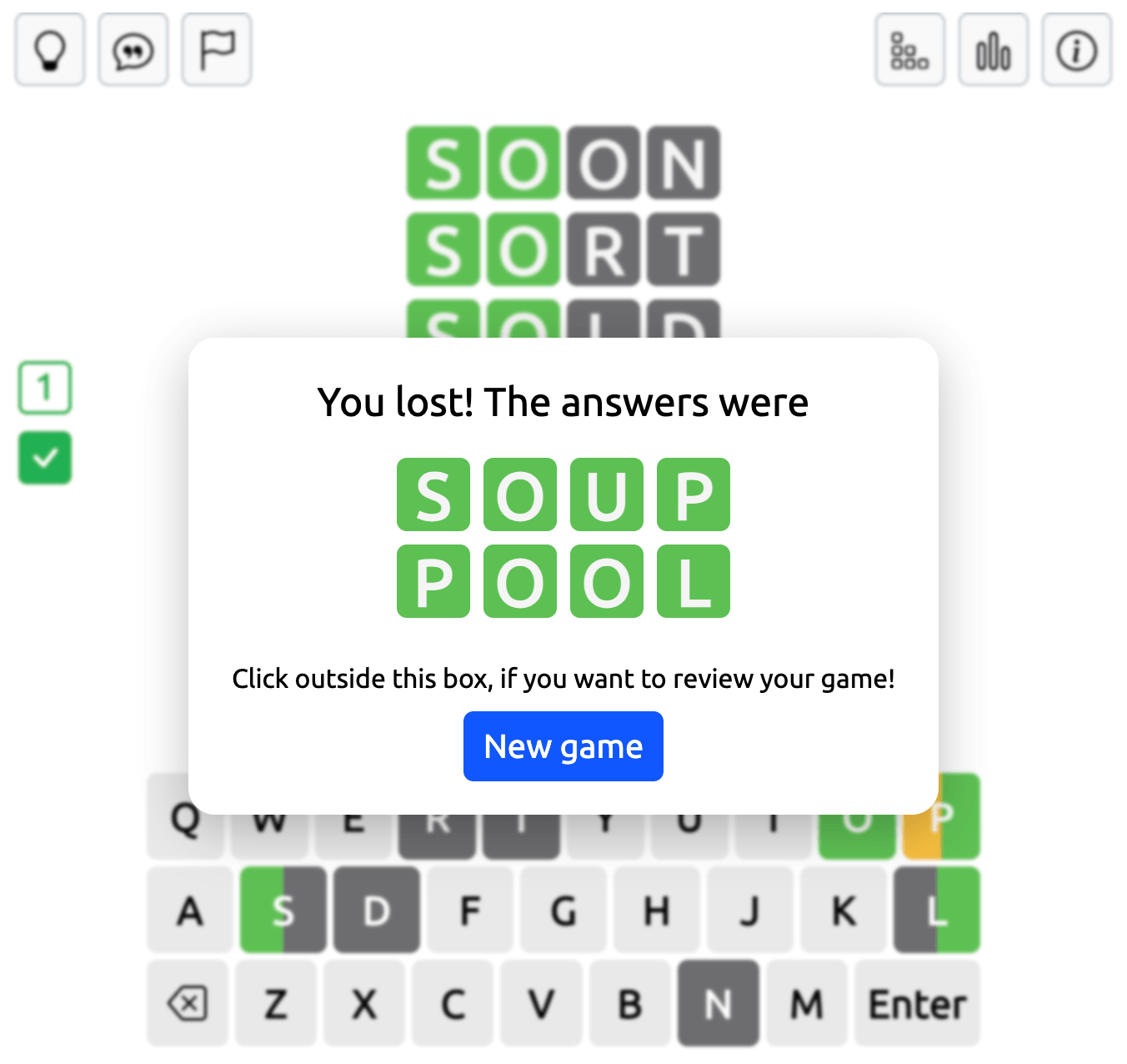
Tips for Solving Dordle Puzzles
Begin with a word containing common vowels and consonants to uncover useful letters early. Check the feedback on both boards before choosing your next guess.
Pay attention to the split-color keyboard, especially when a letter has been confirmed in one word but not the other. This can help you avoid repeating unhelpful guesses.
If you're close to solving one word, completing it can make the rest of the game easier. With only one active grid left, you can focus entirely on the remaining letter combinations.
Play Dordle Online for Free
Dordle adds a second challenge to the familiar Wordle format without making the rules complicated. With two hidden words, shared guesses, and adjustable settings, each puzzle offers a new opportunity to test your word-solving skills.
Choose your word length and difficulty, start a Dordle game, and see if you can solve both words before your guesses run out.
Dive into Double Wordle today and discover why this two word Wordle sensation is captivating players around the world! Meet our new addition - Combinations
Looking for something new to play? Explore our Free Online Games collection. For even more options, check out Unblocked Games and Unblocked Games G+.
Want safe games for school? Try Classroom 6x Unblocked Games.