by PushtoLearn
Spelling Bee Unlimited
Popular Puzzle Games






Spelling Bee – Make Words and Reach Genius Rank
How many words can you find using just seven letters? Spelling Bee is an online word puzzle where you combine letters arranged in a honeycomb to create as many valid words as possible. Every word must include the center letter, and you can reuse letters to discover more combinations.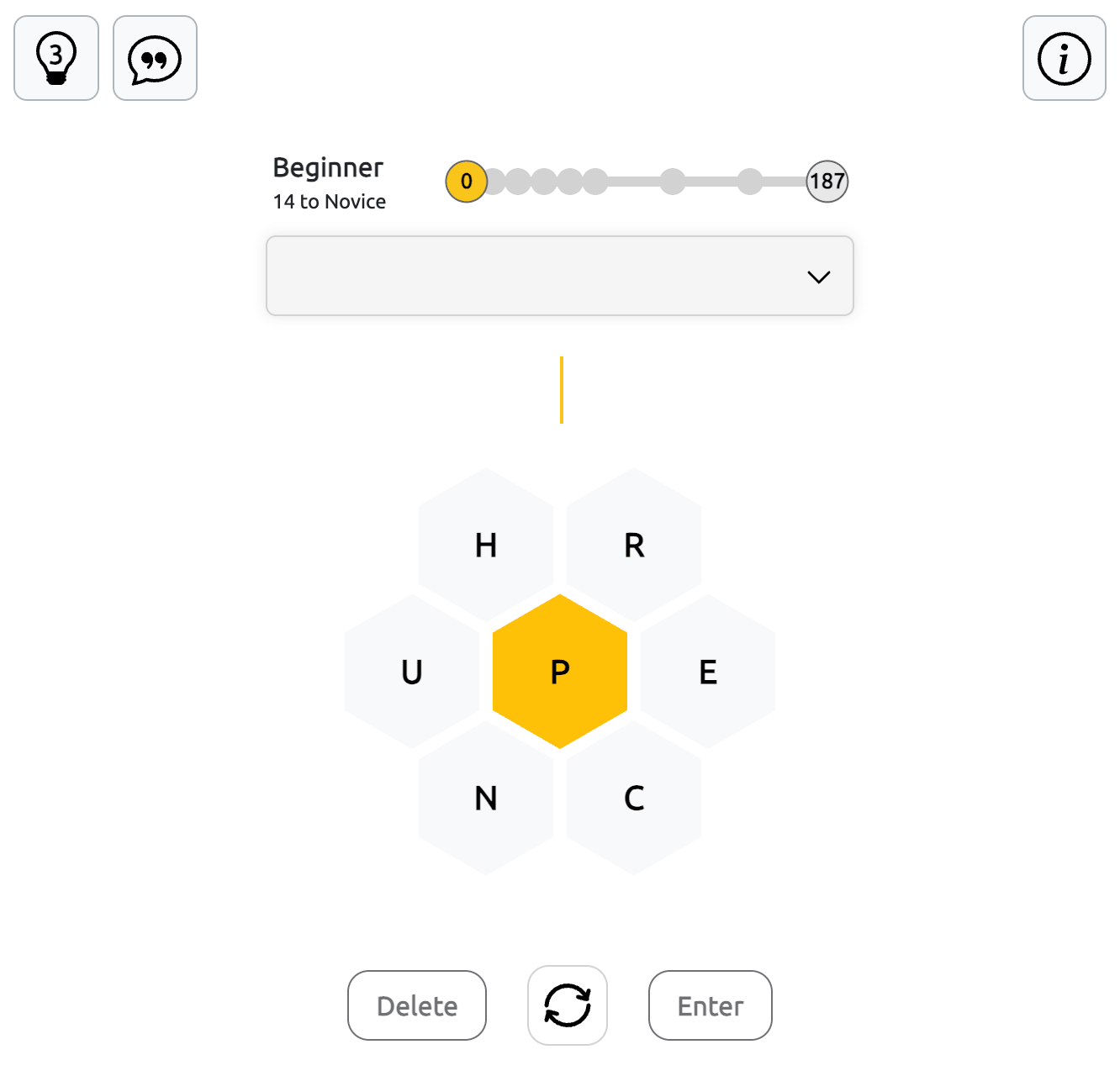
Your goal is to find enough words to reach Genius rank and complete the puzzle. You can continue playing afterward to discover more answers and improve your score.
How to Play Spelling Bee
Each puzzle contains seven letters arranged in a honeycomb, with one required letter in the center. Create words using only these letters, making sure every answer contains at least four letters and includes the central letter. Letters can be used more than once within a word.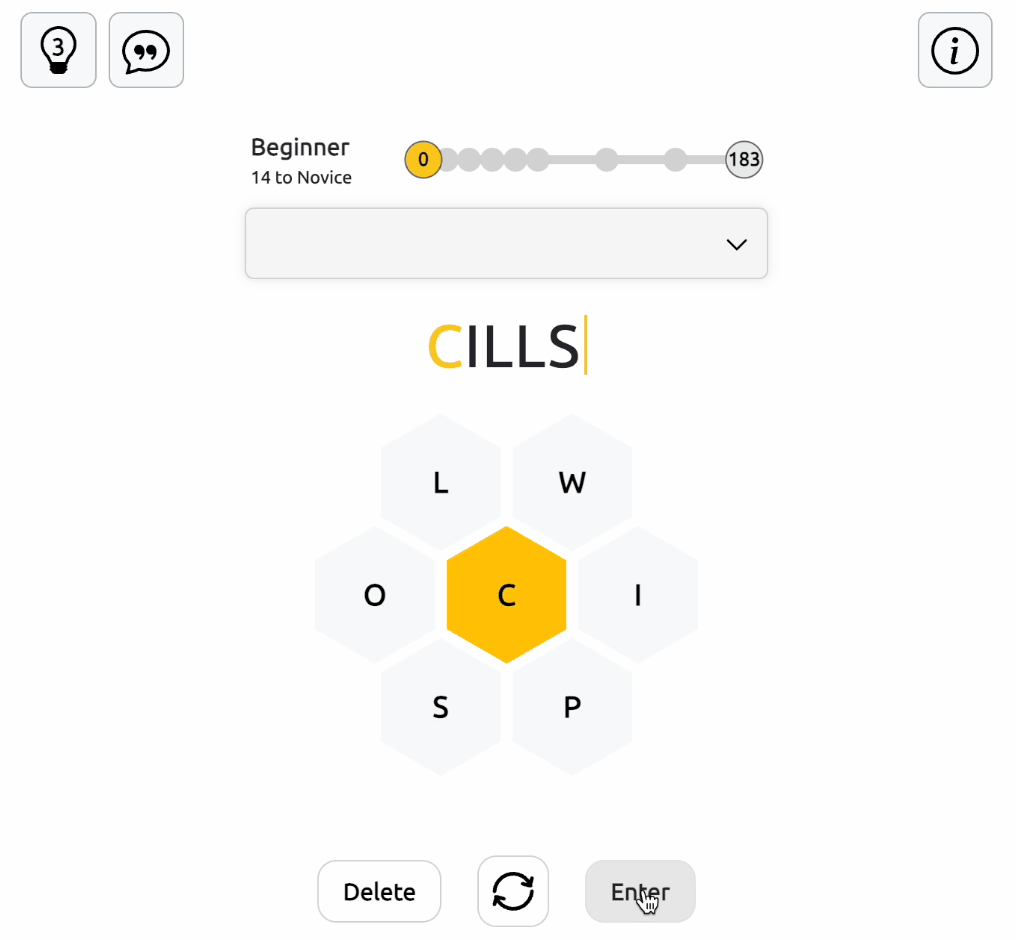
Four-letter words earn one point, while longer words earn one point per letter. Finding a pangram, a word that uses all seven available letters at least once, earns seven bonus points.
To enter a word, select the letters in the honeycomb and press Enter to submit your answer.
Spelling Bee Controls and Buttons
The control panel below the letter grid has three buttons to help you manage your answers.
Delete removes the last letter you've entered, allowing you to correct a word without starting over. Shuffle rearranges the six outer letters around the fixed center letter, making it easier to notice new combinations. Enter checks your completed word and adds points if it's accepted.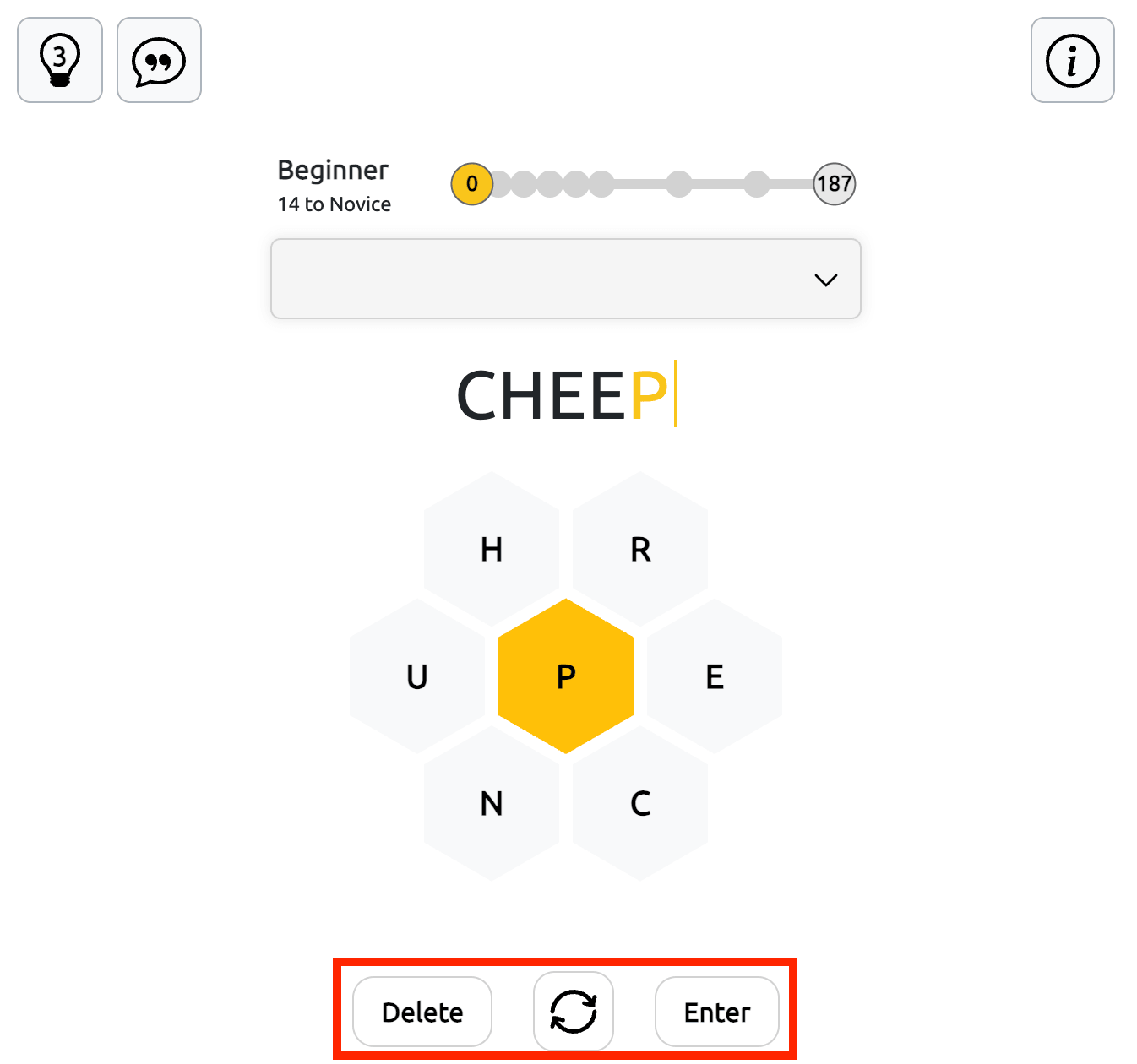
Track Your Score and Rankings
The progress board at the top of the game field displays your current score, ranking status, the points needed to reach the next rank, and the target score required to win.
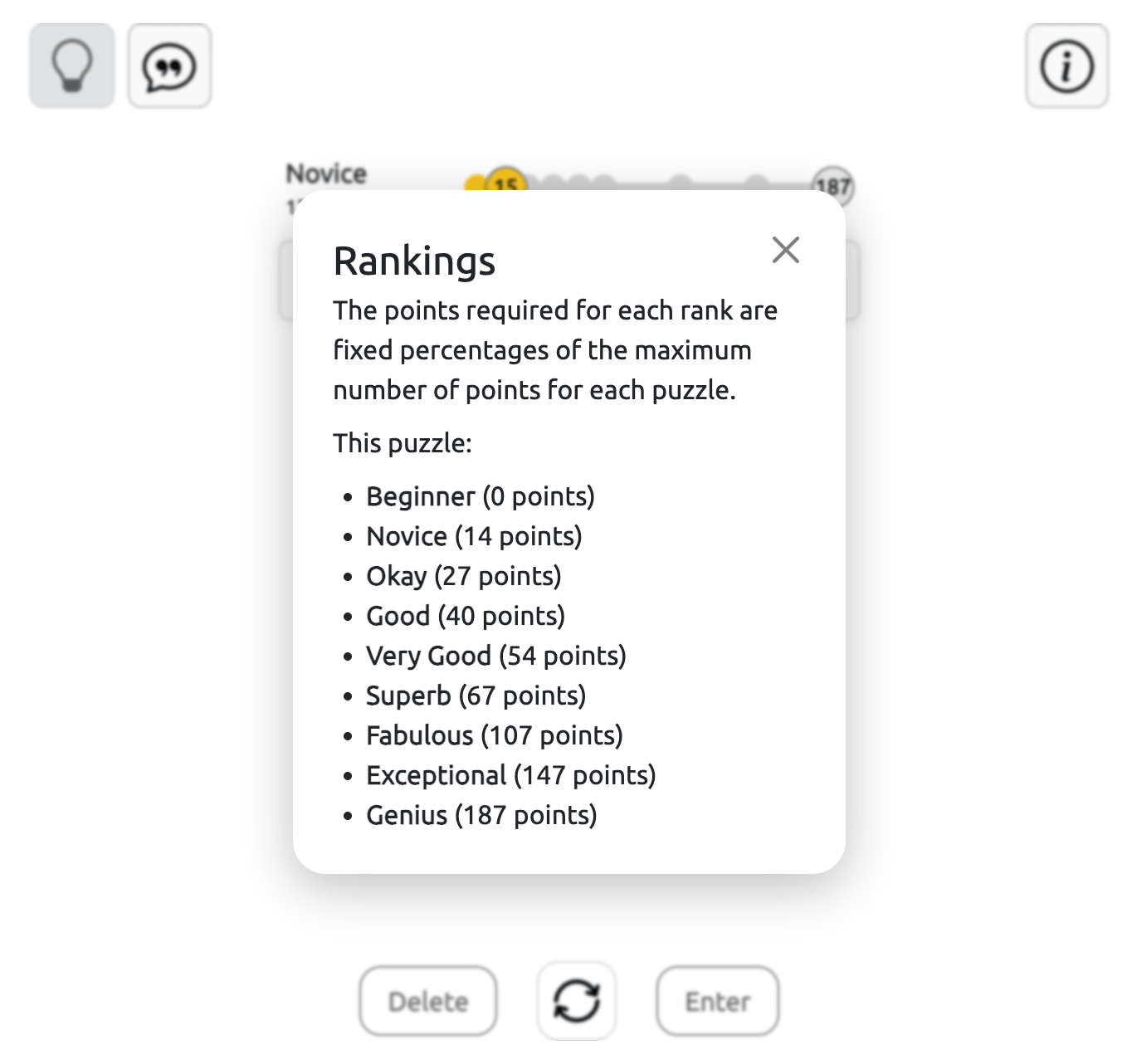
Your rank depends on the percentage of the maximum possible points you've collected. The ranking levels are Beginner (0%), Novice (5%), Okay (10%), Good (15%), Very Good (20%), Superb (25%), Fabulous (40%), Exceptional (55%), and Genius (70%).
The point thresholds vary depending on the available words in each puzzle. Reaching Genius rank means you've won the game.
How to Use Hints in Spelling Bee
You have 3 word hints per game. When you press the Hint button, the game highlights the letters of a valid word in green, one after another, showing the correct order.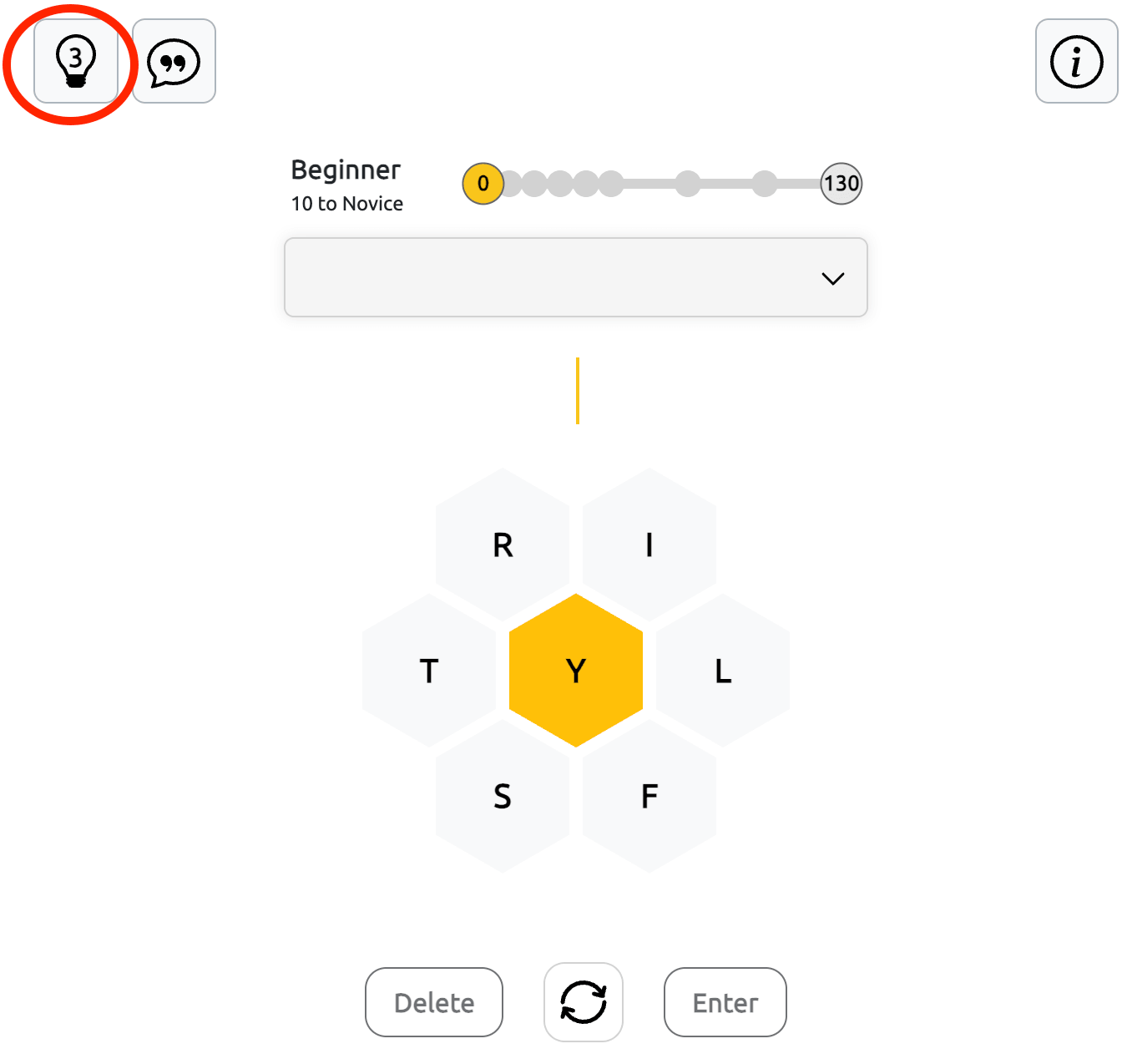
Watch the sequence to see how the word is formed. The hint doesn't submit the answer automatically, so you'll need to select the revealed letters yourself and press Enter to confirm the word.
Statistical Hints and Word Patterns
The Statistical Hint button, marked with a speech bubble icon, is located in the top-left corner of the game field. Click it to open a breakdown of the words available in the current puzzle.
The pop-up displays the total number of possible words, the maximum available score, and a table showing word counts by starting letter and word length, including four-, five-, six-, and seven-letter words.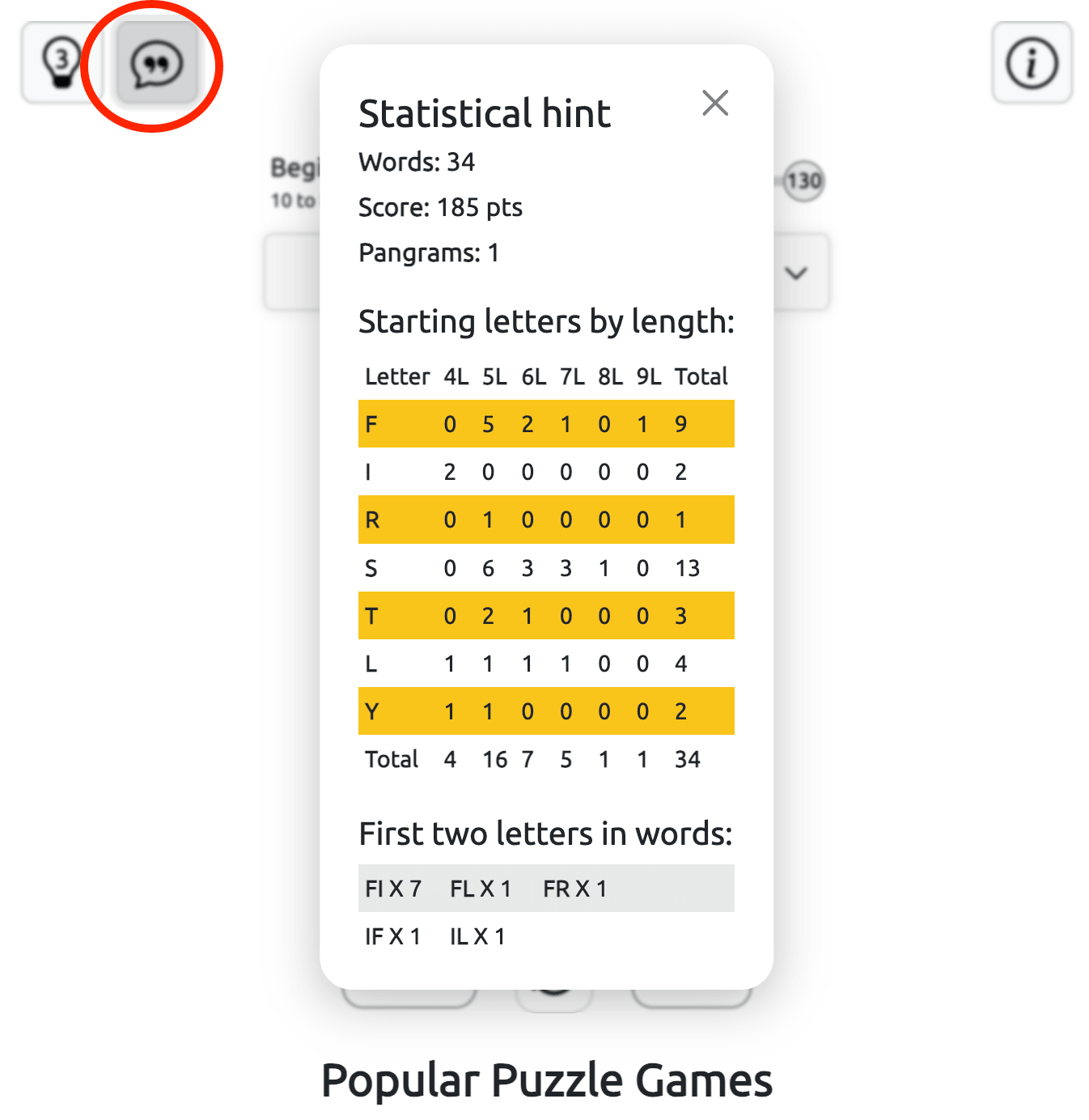
You can also check the first two letters of possible words to narrow down your search. These clues help you identify promising word beginnings without revealing complete answers.
Tips for Finding More Spelling Bee Words
Start with familiar four-letter words, then try extending them with common prefixes and suffixes such as un-, re-, -ed, and -ing, whenever the necessary letters are available.
Use the Shuffle button when you run out of ideas. Rearranging the letters can help you notice combinations you previously overlooked. Remember that letters can be repeated, so don't limit yourself to using each one only once.
Look for a pangram early in the game, as its bonus points can help you progress faster. If you're running short of ideas, check the statistical hints to identify word lengths and starting letters you haven't explored.
Spelling Bee is a simple way to enjoy vocabulary puzzles at your own pace. Play a quick round, return to search for more words, or aim for the highest possible score.
Explore More Word Games
Wordle to guess the hidden word.
Wordle for Kids to get easy tasks.
Dordle - double difficulty to guess two words
Quordle - try to guess four puzzles at once
Combinations - combine letter and create words
About Spelling Bee Game
Spelling Bee improves your memory, boosts mental clarity, and helps maintain cognitive sharpness. Join the community, sharpen your language skills, and enjoy hours of stimulating, educational entertainment!
Want more fun games? Try our Free Online Games collection. You can also explore Unblocked Games or Unblocked Games G+ for more choices. For school-friendly options, visit Classroom 6x Unblocked Games.