by PushtoLearn
Word Search
Popular Puzzle Games









Welcome to Free Word Search
Word Search is a classic word puzzle game where you find hidden words in a grid of letters. Your goal is to locate every word on the list, whether it's placed horizontally, vertically, or diagonally.
You can customize each puzzle by choosing the difficulty level and the number of words to find. Play a quick round with 8 words or take on a longer challenge with up to 16.
How to Play Word Search
-
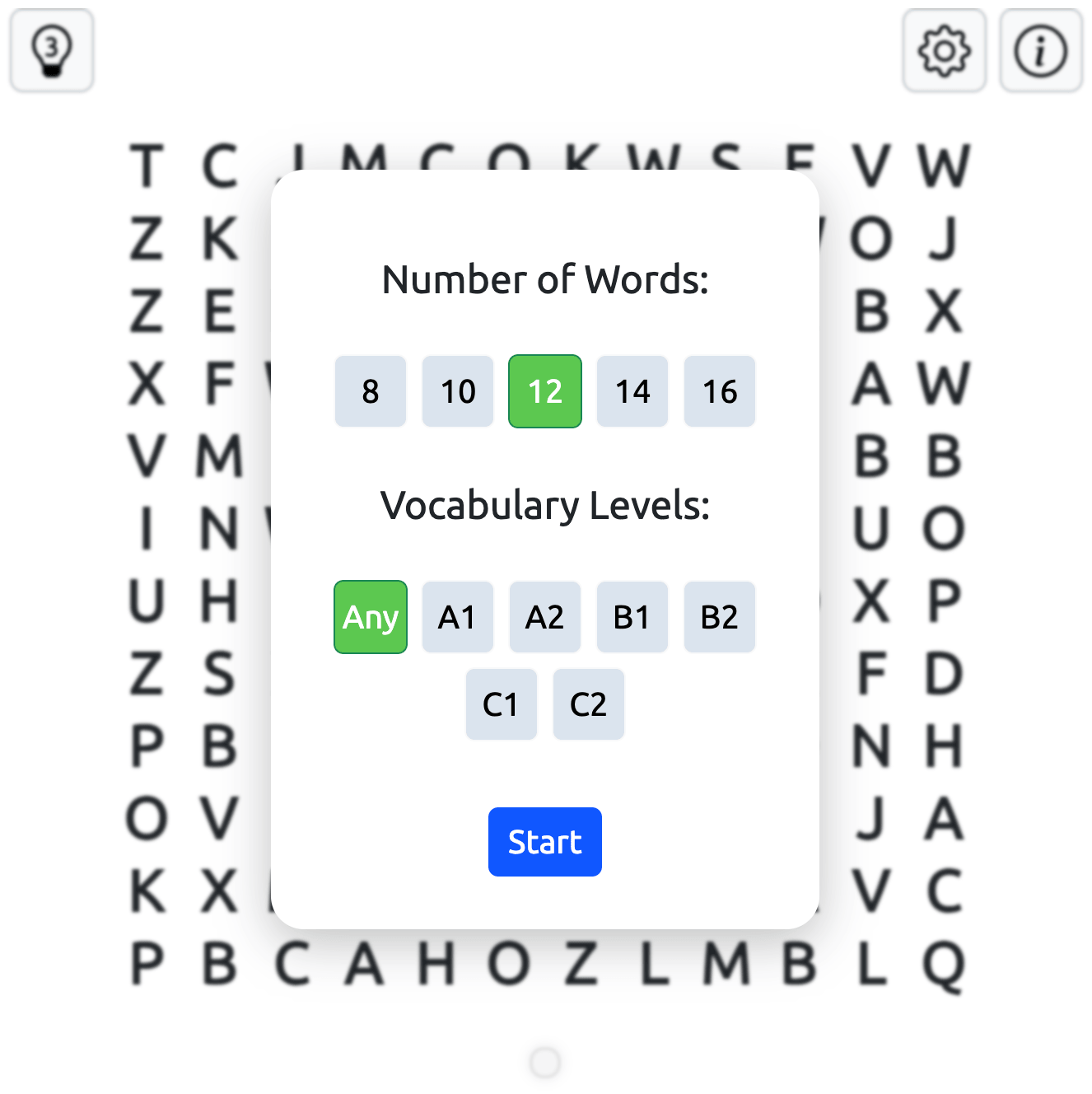
Choose your settings. Select a difficulty level and the number of hidden words: 8, 10, 12, 14, or 16.
-
Find a word. Look for words arranged horizontally, vertically, or diagonally in the letter grid.
-
Select the letters. Click or tap the first letter, then drag your mouse or finger across the word.
-
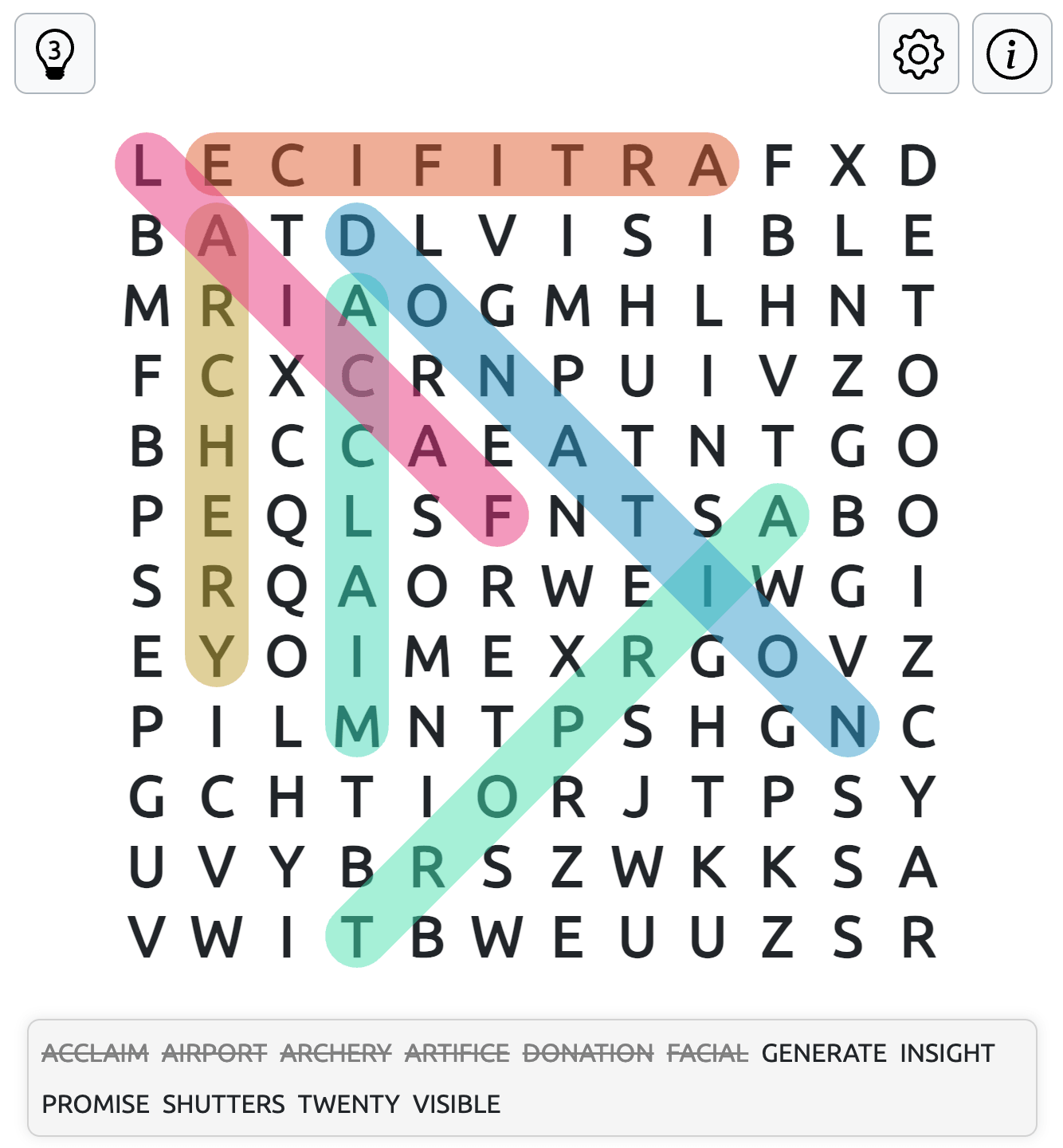
Mark your answer. A correctly found word is highlighted in a different color on the grid.
-
Finish the puzzle. Find every word on the list to complete the game.
Word List and Hints
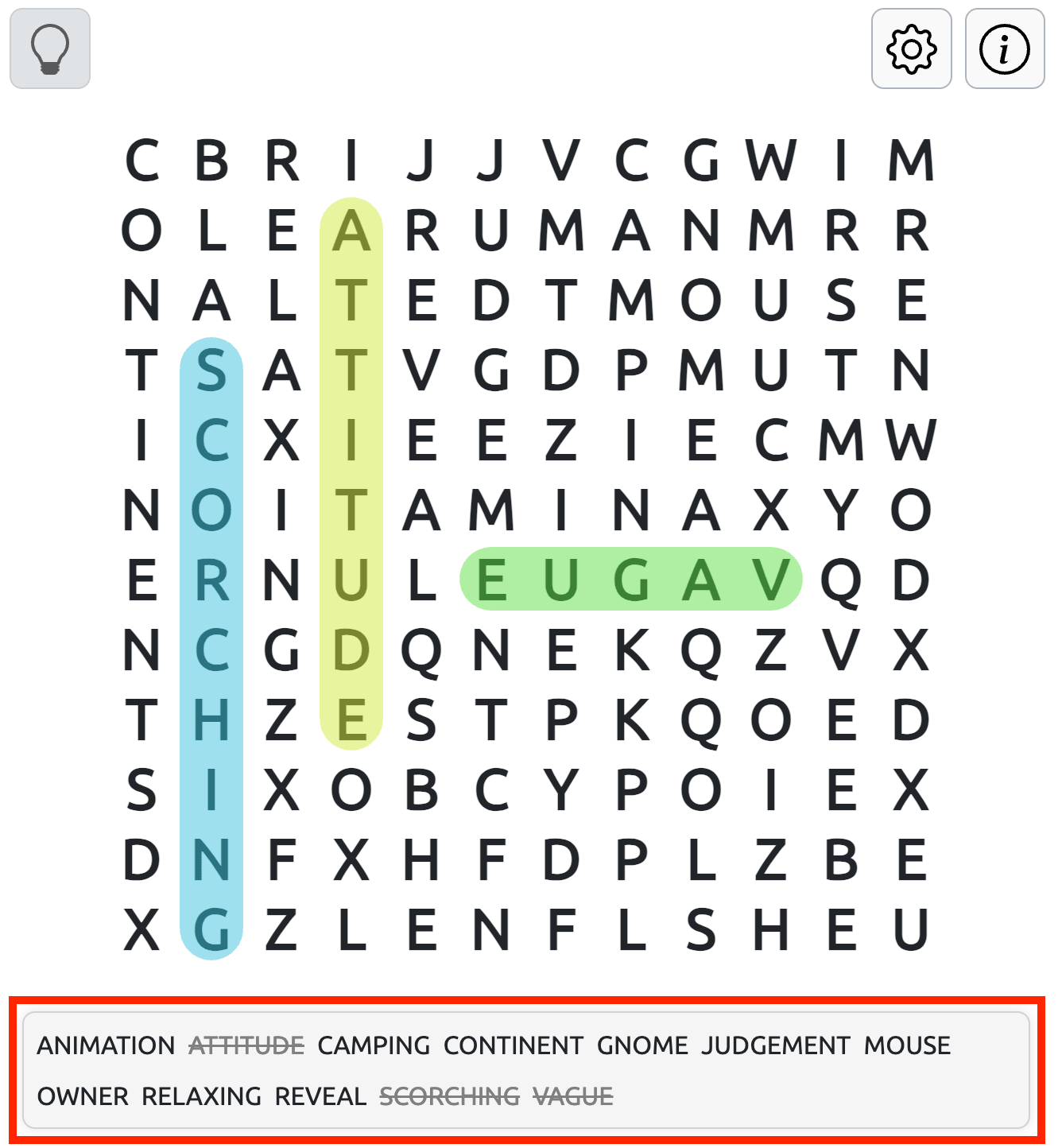
The word list below the game board shows all the words you need to find. Once you locate a word, it turns grey and is crossed out, helping you keep track of your progress.
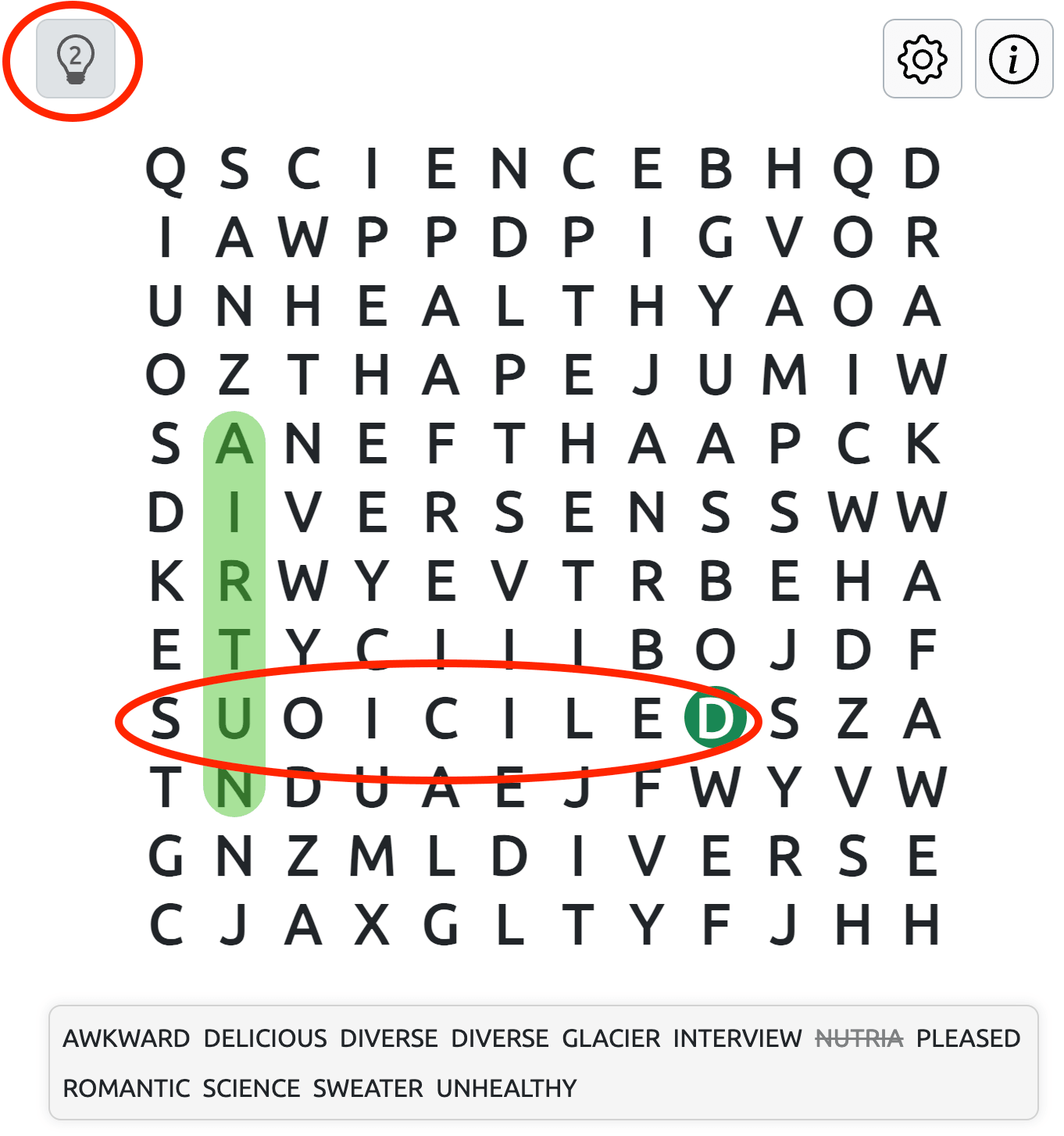
If you're stuck, click the Hints button to reveal the first letter of a hidden word. The letter is highlighted in a different color, but you'll still need to find the rest of the word yourself. You have 3 hints per puzzle.
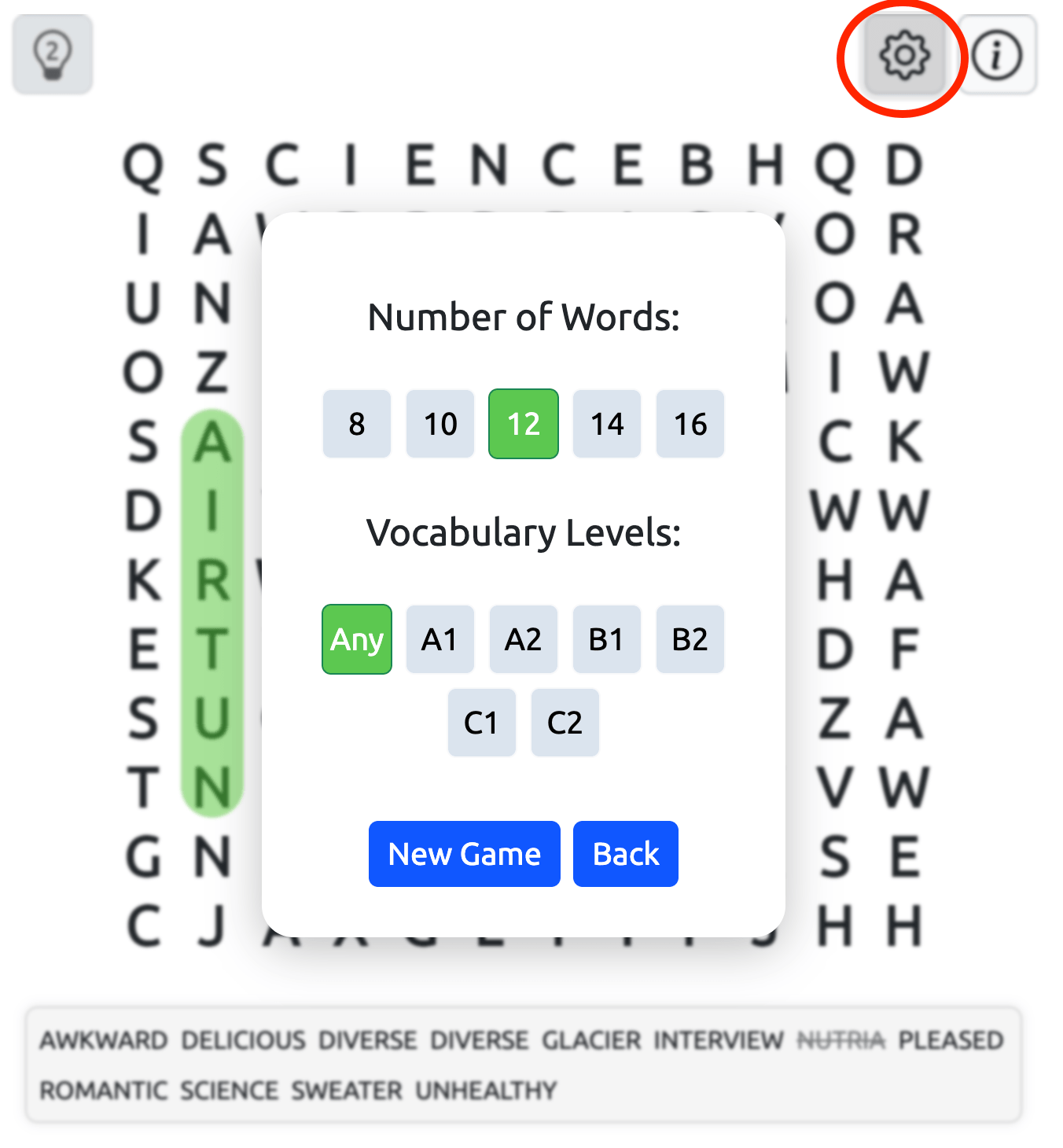
The Settings button is located in the top-right corner of the game field. Click or tap it at any time to start a new Word Search puzzle or choose a different difficulty level, even if you haven't finished your current game.
Tips for Finding Hidden Words
-
Scan for distinctive letters. Unusual letters and combinations can make certain words easier to spot.
-
Look for longer words first. Their recognizable letter patterns may help you find them faster.
-
Change your scanning direction. If you're struggling, check vertical and diagonal lines instead of focusing only on rows.
-
Use the word list. Focus on the remaining words rather than searching the entire grid without a target.
-
Save your hints. Keep them for the last few words when you need help finding a starting letter.
Play Word Search at Your Own Pace
With adjustable difficulty and five word-count options, Word Search works for both short breaks and longer puzzle sessions. Each round offers a straightforward way to practice vocabulary, concentration, and visual recognition while enjoying a familiar word-finding challenge.
Try our other cool word puzzles like Spelling Bee, Combinations Word Game and Squardle.
Looking for more games? Dive into our Pushtolearn Games collection. Explore even more on our Unblocked Games and Unblocked Games G+ pages.
For school-safe fun, visit Classroom 6x Unblocked Games.