by PushtoLearn
Quordle
Popular Puzzle Games










One guess, four different answers. Quordle takes the familiar Wordle challenge and makes you think about four words at the same time. A letter might be in the right place in one puzzle, somewhere else in another, and completely absent from the remaining two. The challenge is to keep track of these clues and find all four hidden words before you run out of attempts.
Before starting a Quordle game, you can select 4-letter, 5-letter, or 6-letter words and choose your preferred difficulty level.
All four hidden words will have the selected length. Shorter words offer fewer letter positions to work with, while longer words introduce more possible combinations.
You can change these settings when starting a new puzzle, allowing you to adjust the challenge to your preferences.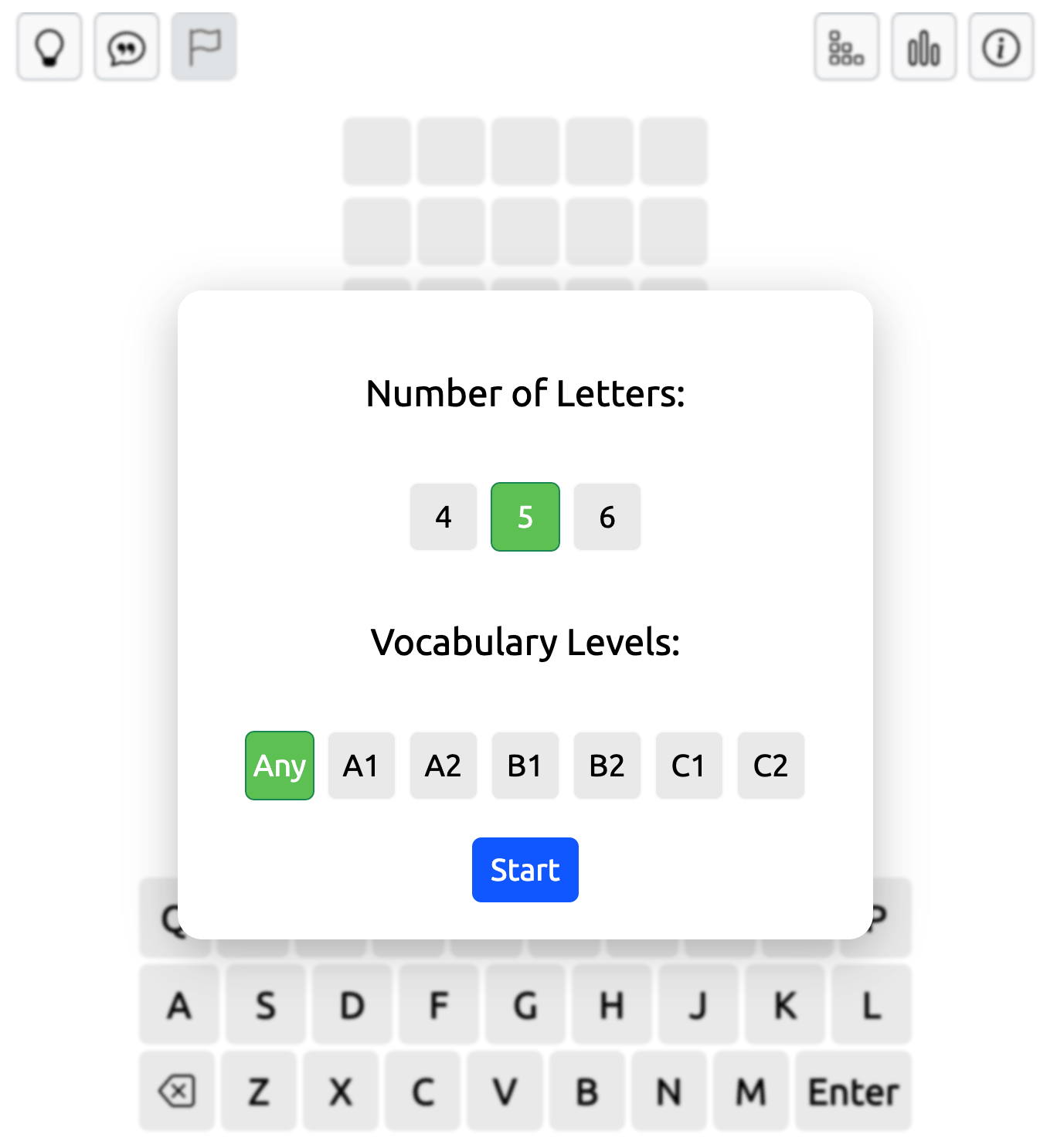
How to Play Quordle
Quordle has four game grids, each containing a different secret word of the same length. When you type a word, the letters appear in all four grids simultaneously. Press Enter to submit your guess and receive separate feedback for each answer.
The game uses the familiar Wordle color system. Green means a letter is in the correct position, yellow means it appears in the word but belongs somewhere else, and gray indicates that the letter isn't in that answer, taking repeated-letter rules into account.
You can press 1, 2, 3, or 4 on the left of the game field to switch between the four game fields.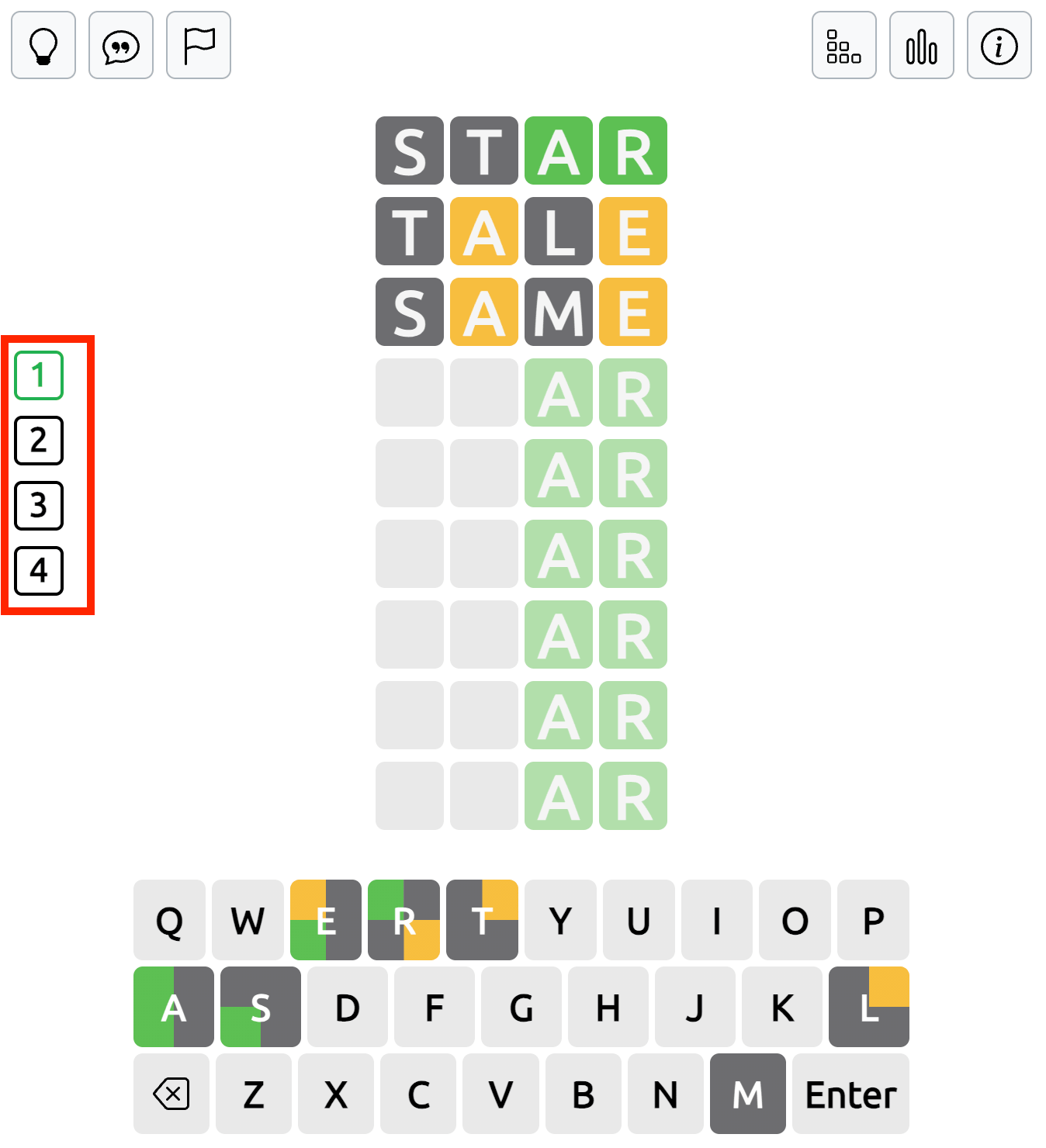
Once you solve a word, its grid is complete, and new letters appear only in the remaining unsolved grids.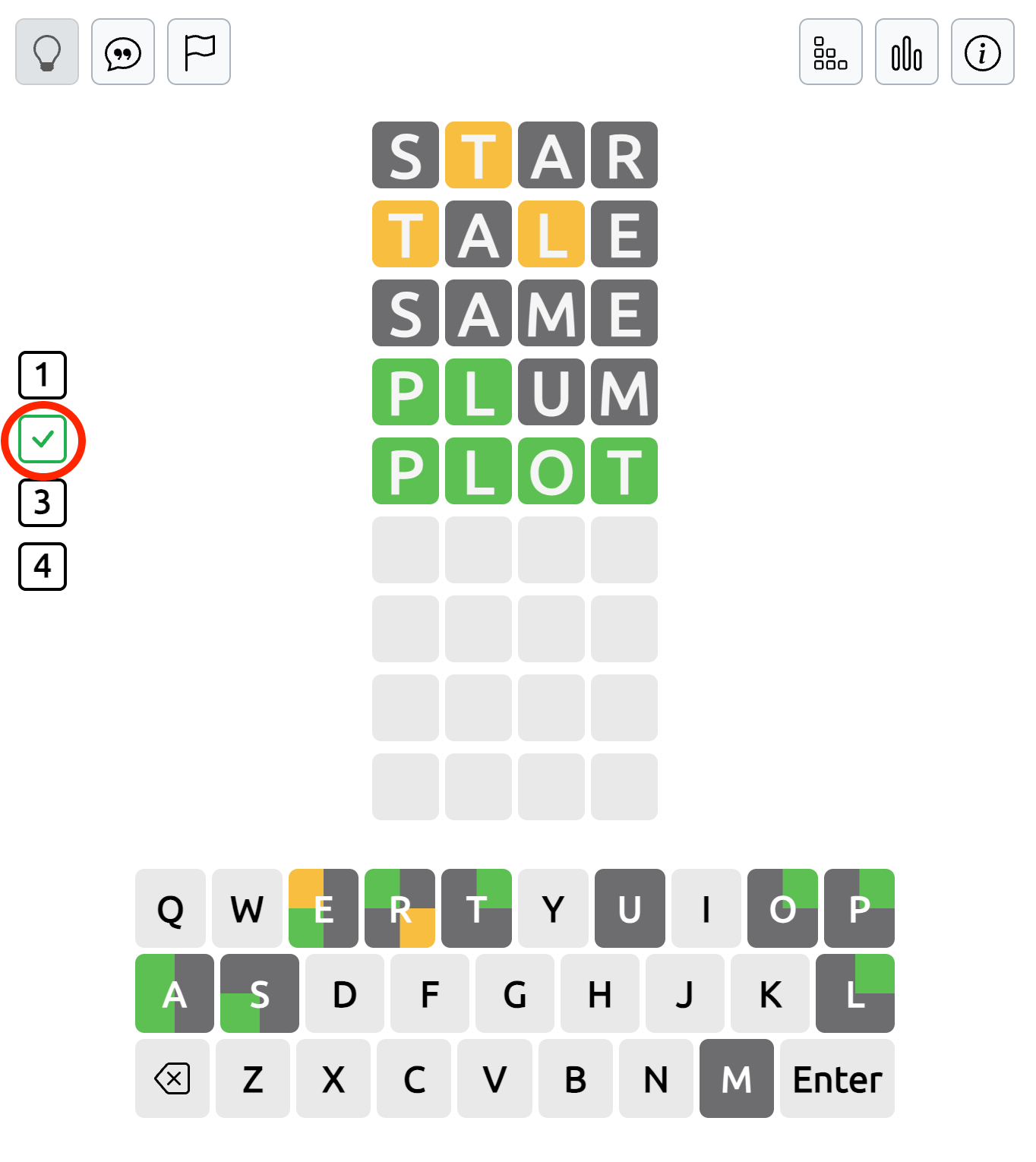
Your goal is to identify all four words within the available number of guesses.
Understanding the Quordle Keyboard Colors
The on-screen keyboard helps you follow the clues from all four puzzles. Since each grid has a different answer, the same letter can have a different status in each word.
A keyboard button may be divided into colored sections to show these results. For example, a letter might be green in one section because it's correctly positioned in one word, while another section is gray because that letter doesn't appear in a different answer.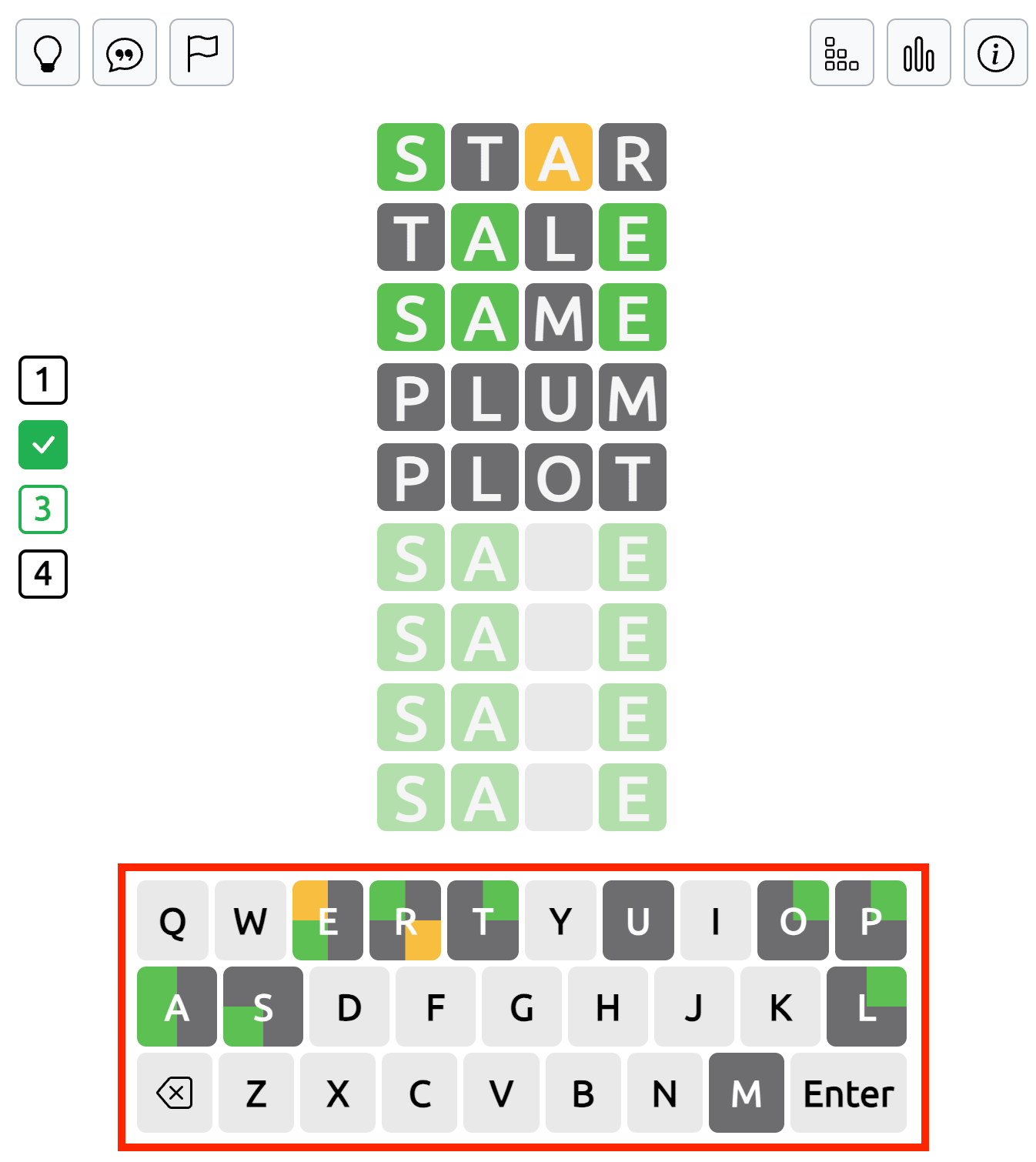
Use these split-color indicators to keep track of confirmed and eliminated letters without confusing the four puzzles.
Quordle vs. Wordle and Dordle
The main difference between these word guessing games is the number of hidden words. Wordle challenges you to find one word, Dordle has two, and Quordle requires you to solve four separate answers.
All three games use color-coded letter clues, but Quordle gives you more information to manage with every guess. A word that helps you solve one grid may provide useful clues for the other three, making the choice of each guess especially important.
If you've already played Wordle or Dordle, Quordle offers a more demanding version of the same word puzzle format.
How to Use Hints in Quordle
The hint buttons are located in the top-left corner of the game field. They can help when you're struggling to identify one of the hidden words.
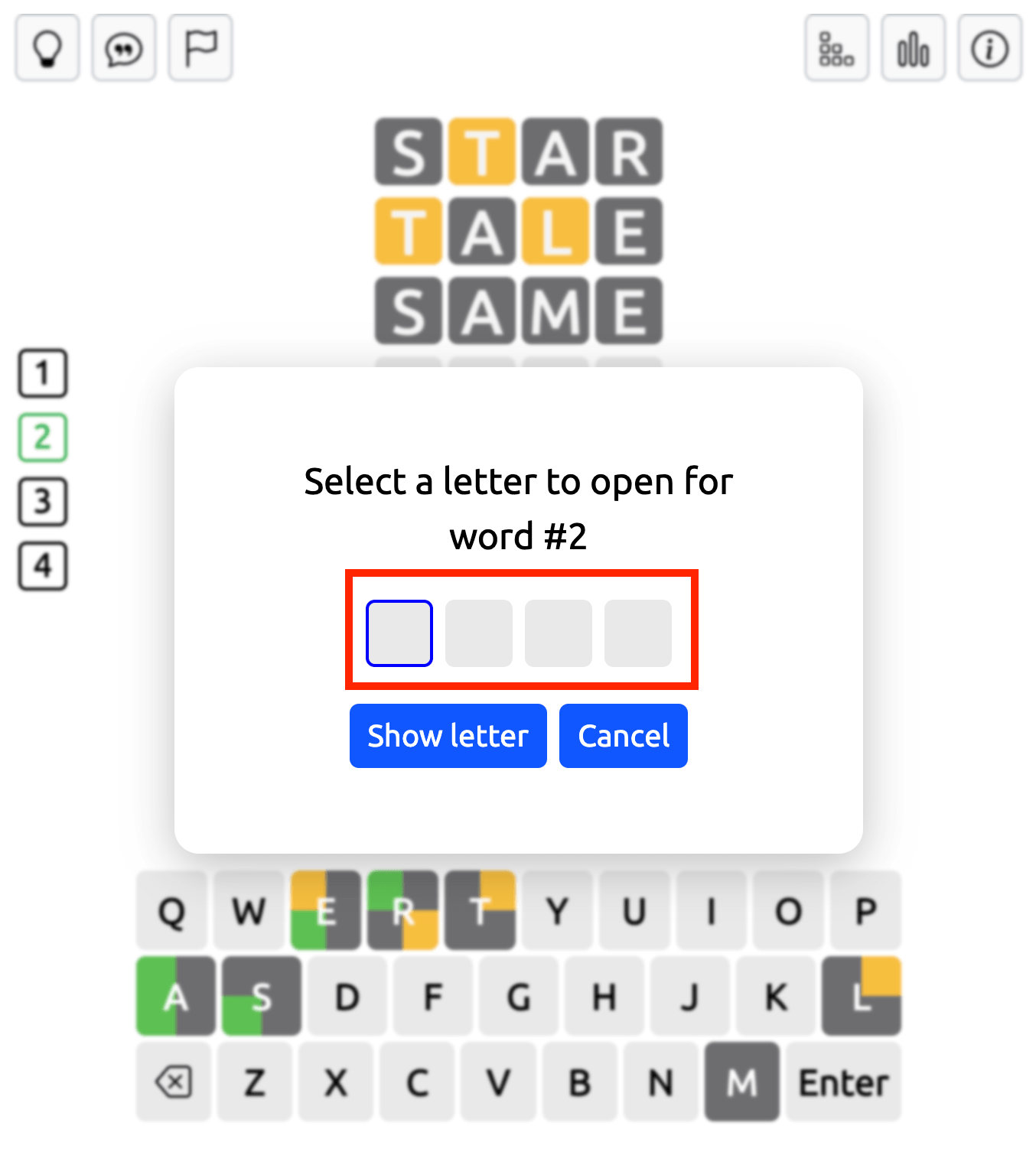
Open One Letter: Click this button and choose the position of the letter you want to reveal in a hidden word. The game shows the correct letter in that position, giving you a clue for your next guess.
Sentence Hint (Speech Bubble): Press the speech bubble button to see an example sentence containing the hidden word. Read the sentence and use its context to work out the missing answer.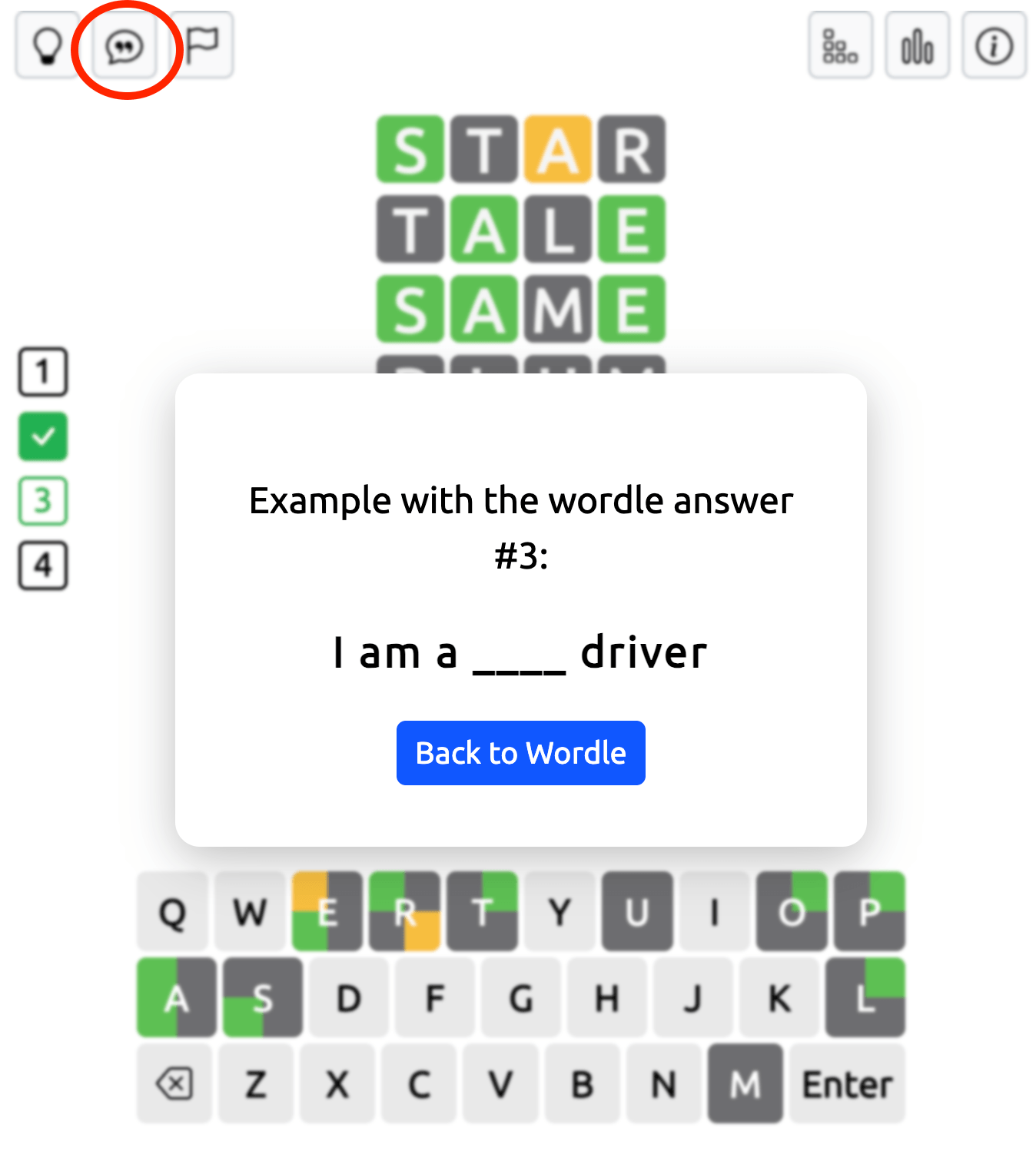
Flag Button: Click the flag icon if you want to give up the current puzzle. You can then choose to end the game and start a new one.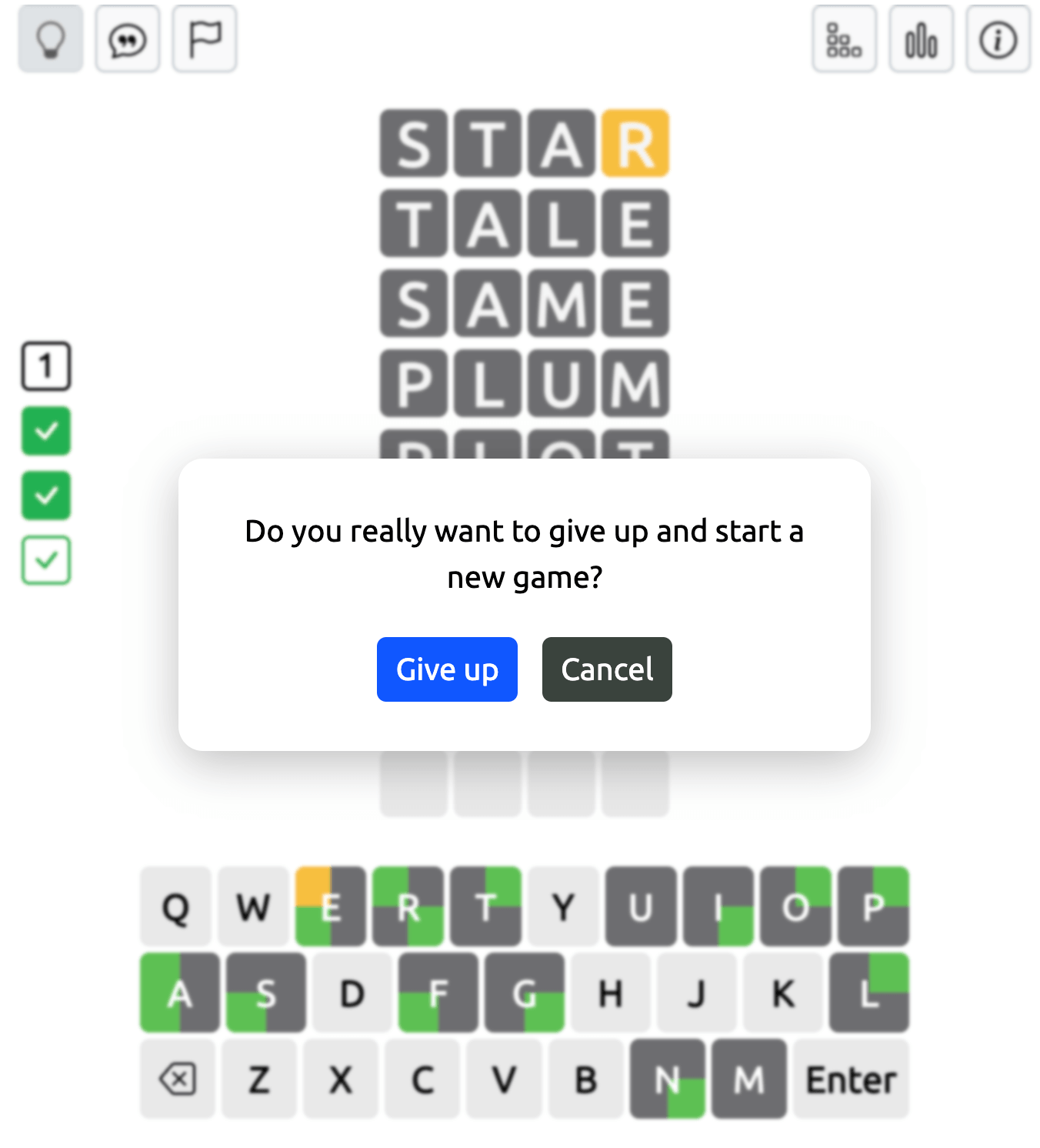
Game Settings, Statistics, and Rules
In the top-right corner of the Quordle game field, you'll find additional buttons for managing your game.
Settings: Change the number of letters, select a different difficulty level, and start a new puzzle with your chosen options.
Statistics: Open this section to view your game statistics and track your progress: word streak and best word streak, day streak and best day streak.
Rules: Click this button to read a short explanation of how Quordle works and review the basic gameplay instructions.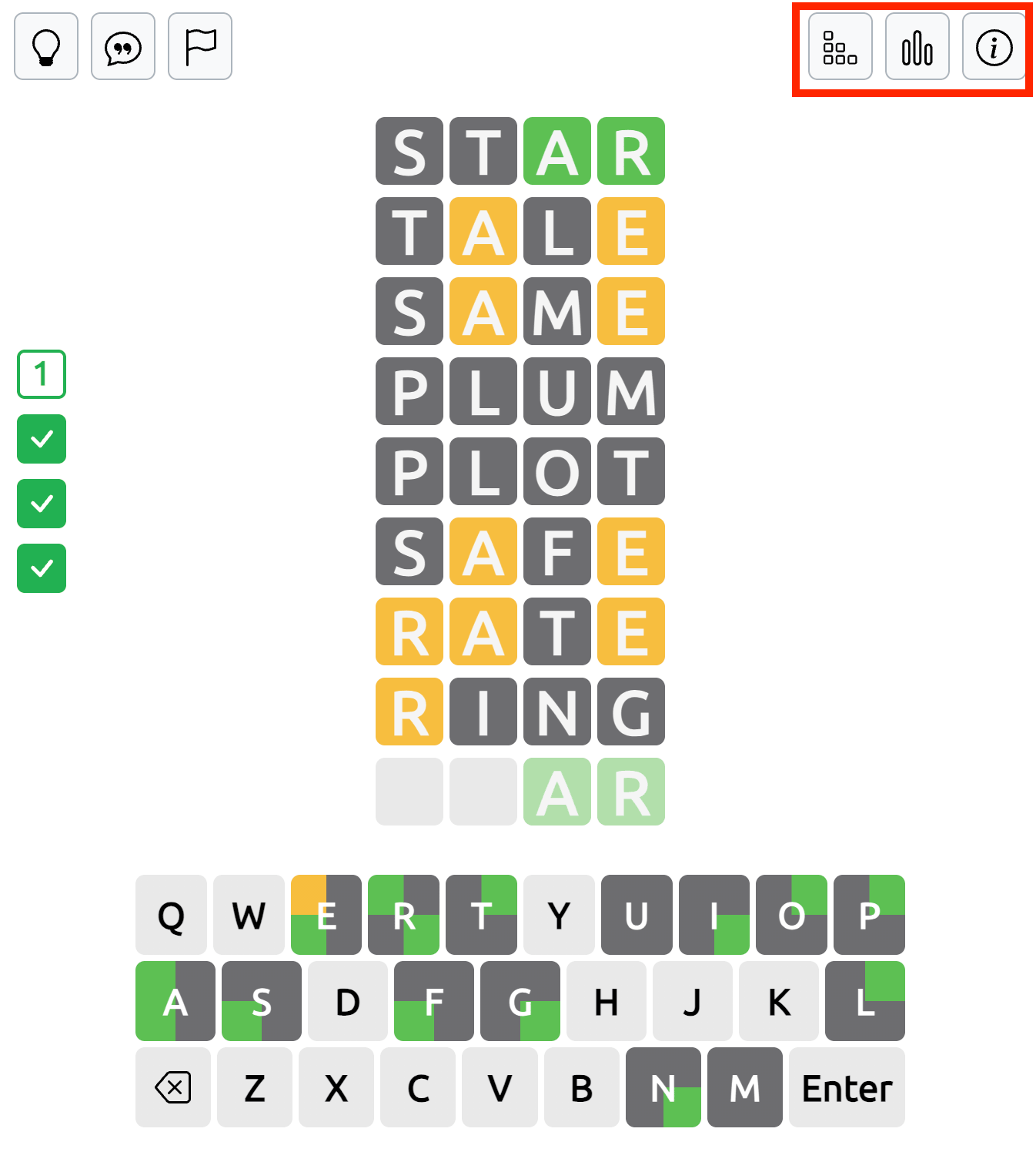
Game Results and Statistics in Quordle
After guessing all four hidden words correctly, you'll see a You Won window displaying your results and personal records. These include Best Word, Best Word Streak, Day Streak, and Best Day Streak, allowing you to follow your progress across games.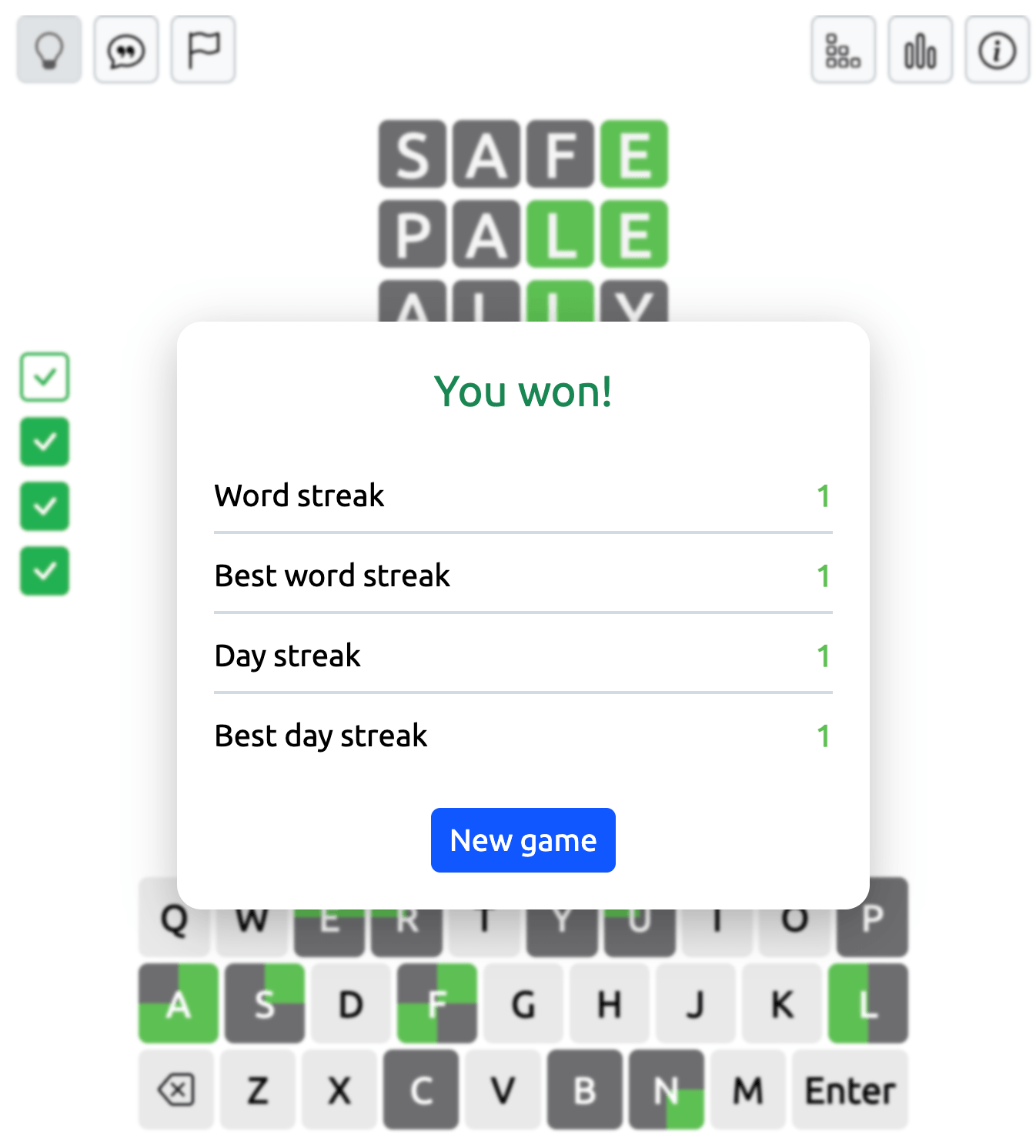
If you don't manage to solve all four words within the available attempts, the You Lost window appears. It reveals the correct answers for all four puzzles, so you can check the words you missed.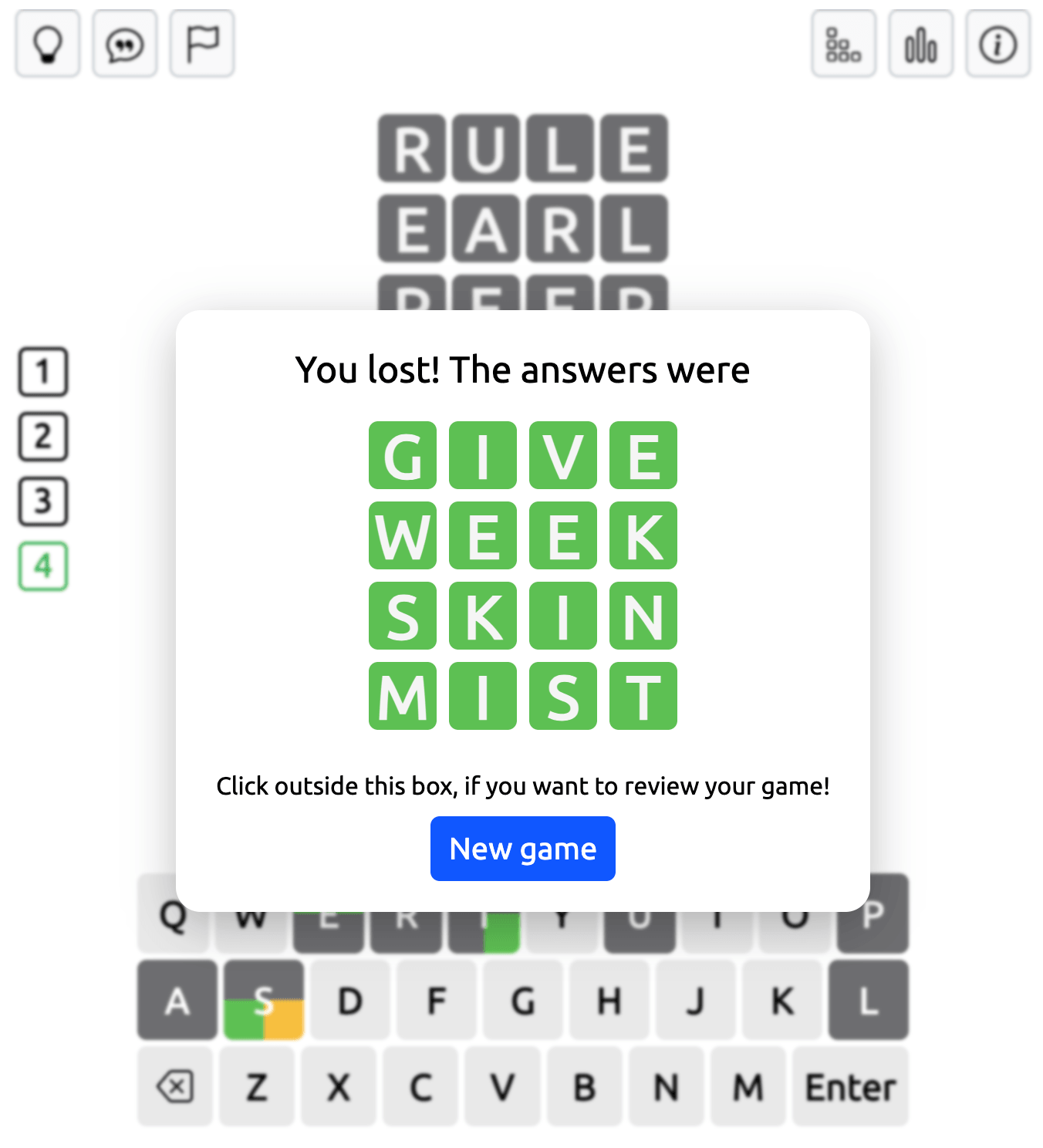
Tips for Solving Four Quordle Words
Start with a word containing several common vowels and consonants. Since your guess applies to all four grids, it's useful to reveal as many different letters as possible early in the game.
Compare the clues across the boards before entering another word. Pay attention to letters that have different colors in different grids, and avoid relying on information from just one puzzle.
Try to make progress on several words with each guess. If one answer is nearly complete, solving it can reduce the number of active grids and make the remaining puzzles easier to manage.
When you're unsure what to try next, look for common letter combinations and possible word endings. Use the available hints if you need help narrowing down an answer.
Quordle Wordle vs. Classic Wordle
While Quordle shares many rules with classic Wordle, the primary difference is clear—you're solving four words at once instead of one. This expanded format means you get nine attempts rather than six, adding complexity and depth to each round. Quordle has quickly become popular due to its increased challenge and dynamic gameplay. Too much to handle? Try two word grids in Dordle.
Try Quordle today and discover why the thrilling four word Wordle game is captivating puzzle enthusiasts around the globe!
Happy to present our new game - Combinations
Want more games? Visit Free Online Games. Explore Unblocked Games and Unblocked Games G+ for more fun.
For school-friendly picks, try Classroom 6x Unblocked Games.