Squares
Popular Puzzle Games







A New Way to Play Word Puzzles
Meet Squares, better known among players as Squaredle — a creative twist on classic word search games. Instead of hunting for pre-listed words, you must discover every hidden word within a shifting grid of letters. Connect letters in any direction — up, down, sideways, or diagonally — to uncover as many valid English words as you can.
Each new puzzle appears at midnight and offers a fresh challenge for fans of brain games, wordplay, and logic puzzles.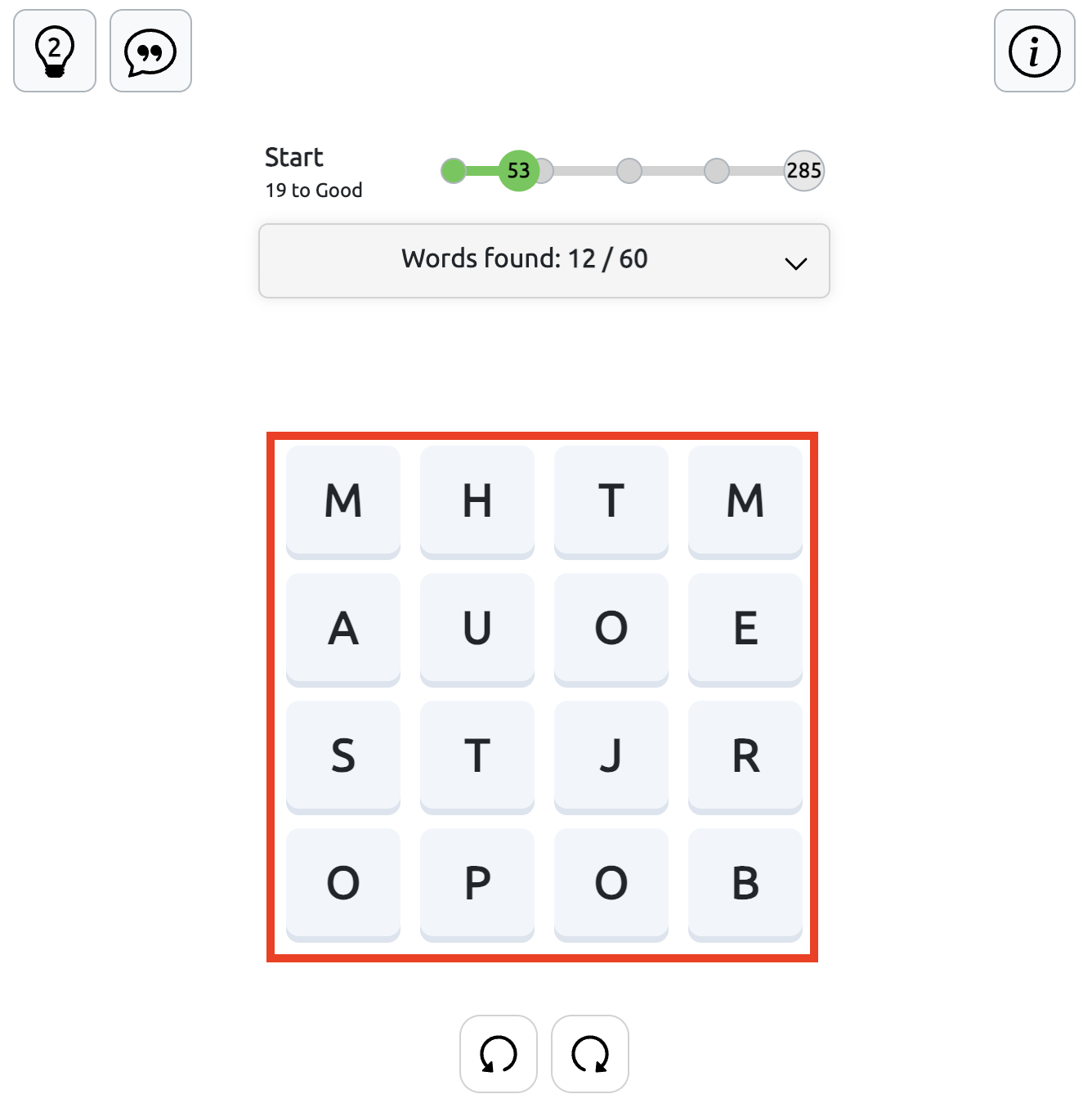
How to Play Squares
The goal of Squares is to find as many words as possible by connecting letters on the game board. Words must contain at least four letters, and you can connect letters in any direction.
-
Select a letter. Click or tap the first letter of a word and hold down the mouse button or keep your finger on the screen.
-
Connect the letters. Without releasing, drag across adjacent letters horizontally, vertically, or diagonally to form a word.
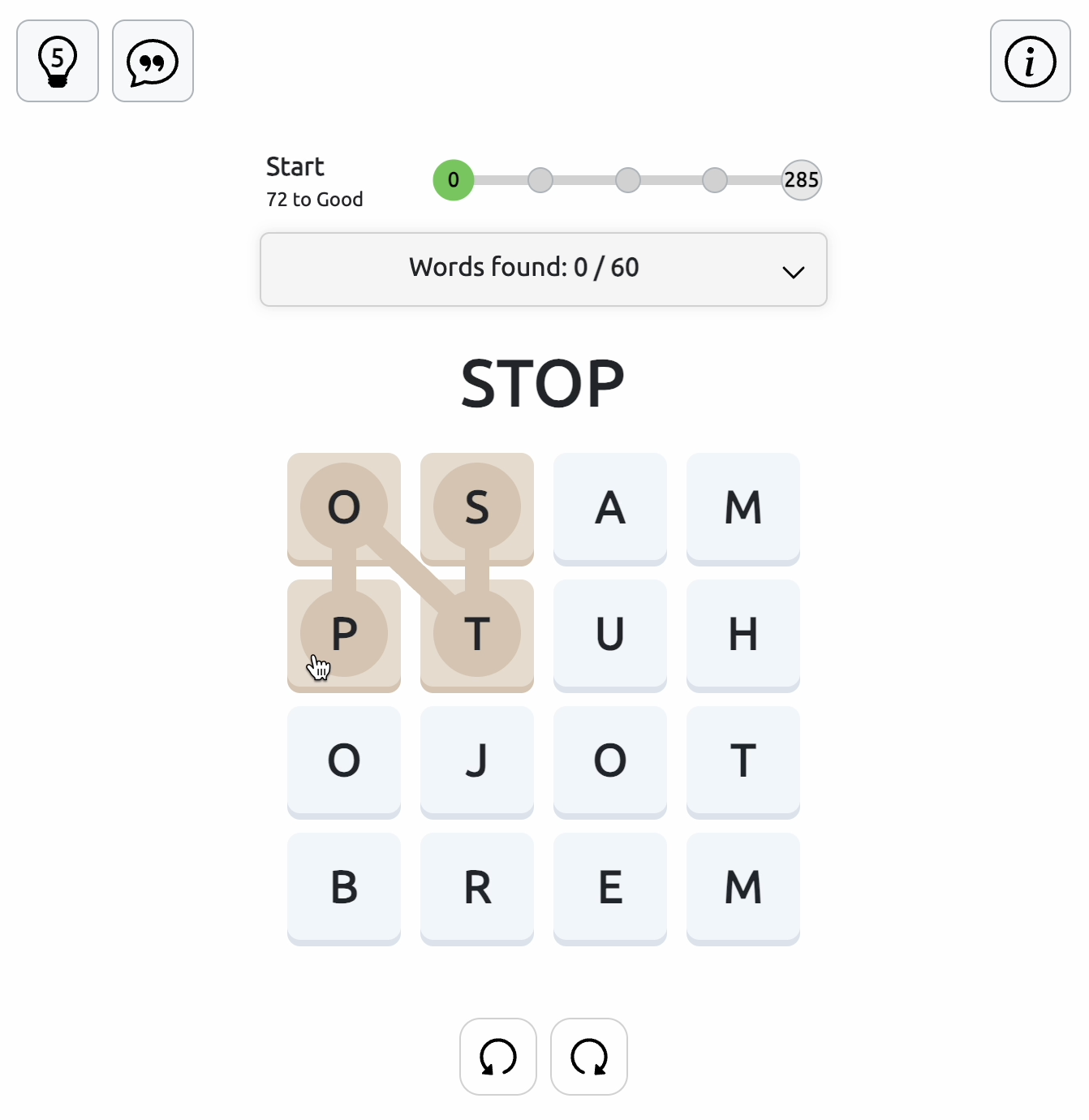
3. Complete the word. Release the mouse button or lift your finger to submit the word you've formed.
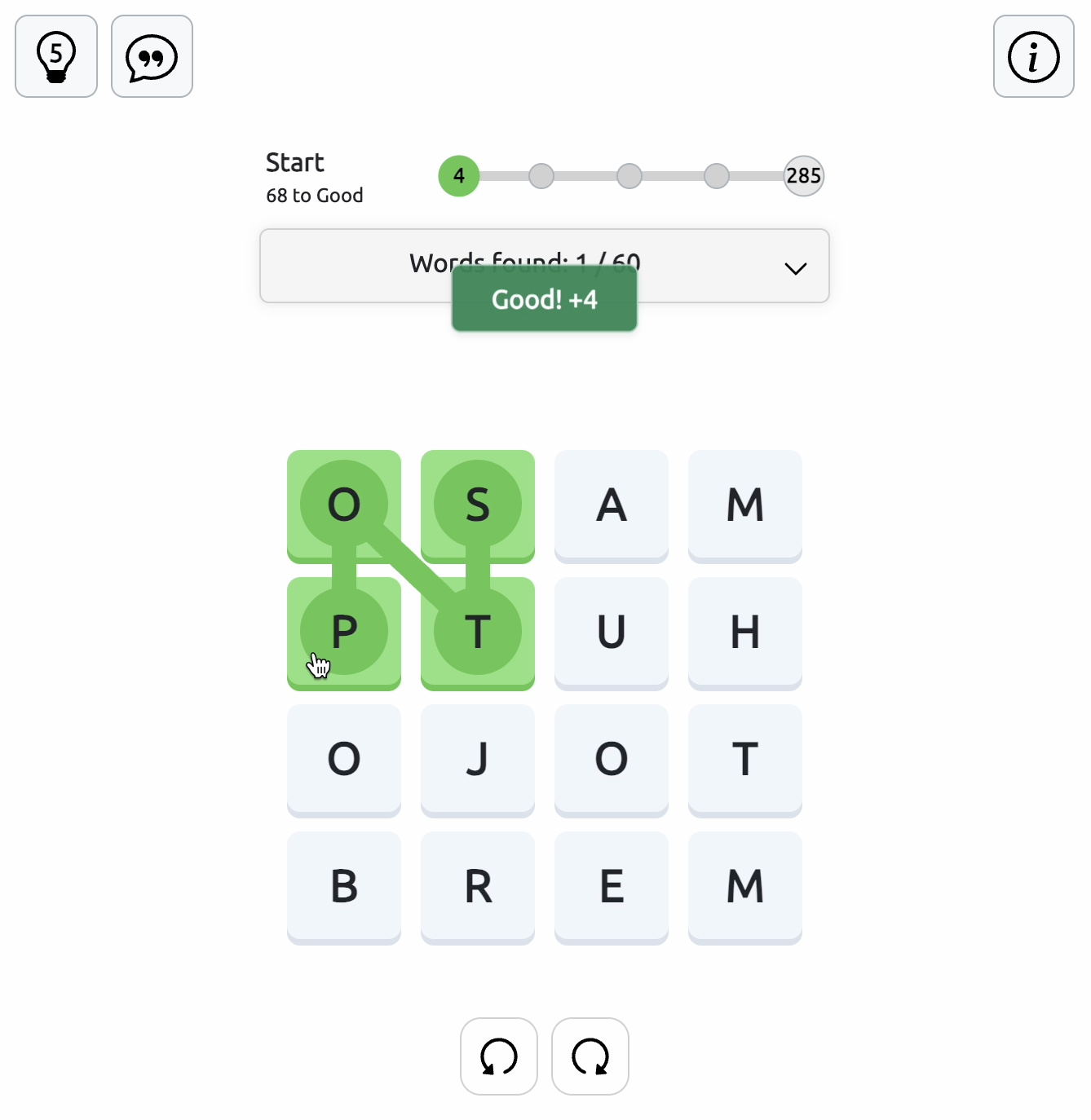
4. Find more words. Continue connecting letters on the board to discover new words.
Word Rules and Game Messages
After you submit a word, the game displays a message to let you know whether it was accepted.
|
Message |
What It Means |
|
Too short |
Your word has fewer than four letters. Try adding more letters before submitting it. |
|
Not in the wordlist |
The word isn't recognized by the game's dictionary. Try a different letter combination. |
|
Already guessed |
You've already found this word. Look for new words to continue earning points. |
|
Good! +X |
Your word is correct! A green message appears, showing the number of points you've earned. |
|
Victory |
You've reached the maximum possible score! A victory message appears, and the game automatically starts a new puzzle with a different set of letters. |
-
Proper nouns, abbreviations, hyphenated terms, and vulgar words are excluded.
-
Rare or obscure words aren’t part of the main list but can appear as bonus words.
-
After uncovering 40% of the total words, letter indicators will appear:
-
A small number on a tile shows how many remaining words begin with that letter.
-
An orange tile means that letter is no longer used in main words but may still appear in bonus ones.
Track Your Score and Progress
The top menu displays your progress as you find words and earn points. Here you can see the maximum available score, your current score, your status (ranking), and how many more points you need to reach the next rank. Check the progress scale to see how close you are to completing the puzzle.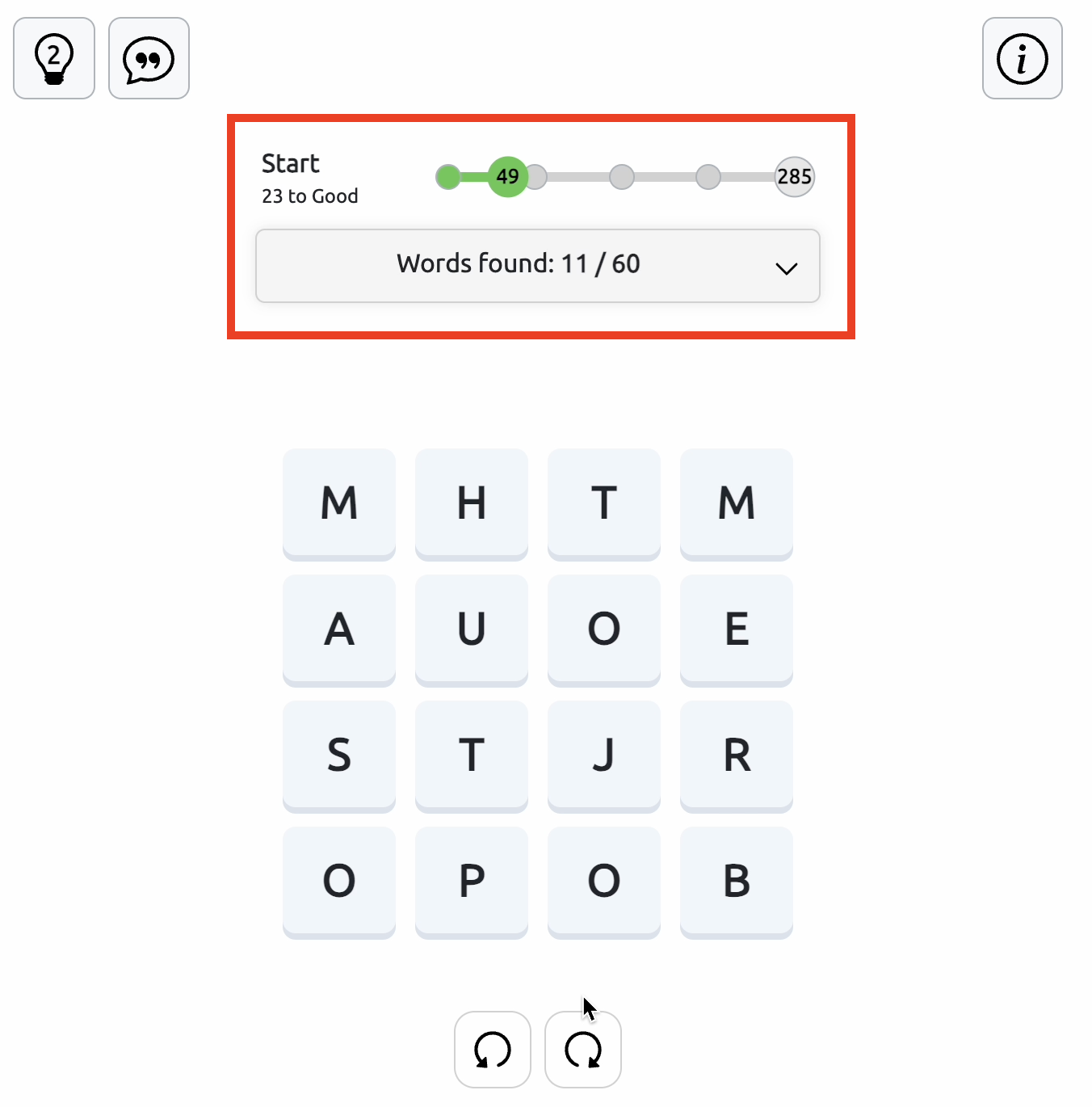
Each valid word earns points equal to its letter count.
The drop-down menu above the game board shows the words you've already guessed, the total number of possible words in the current puzzle, and any bonus words you've found. Open it to review your discoveries and see how many words are still left to find.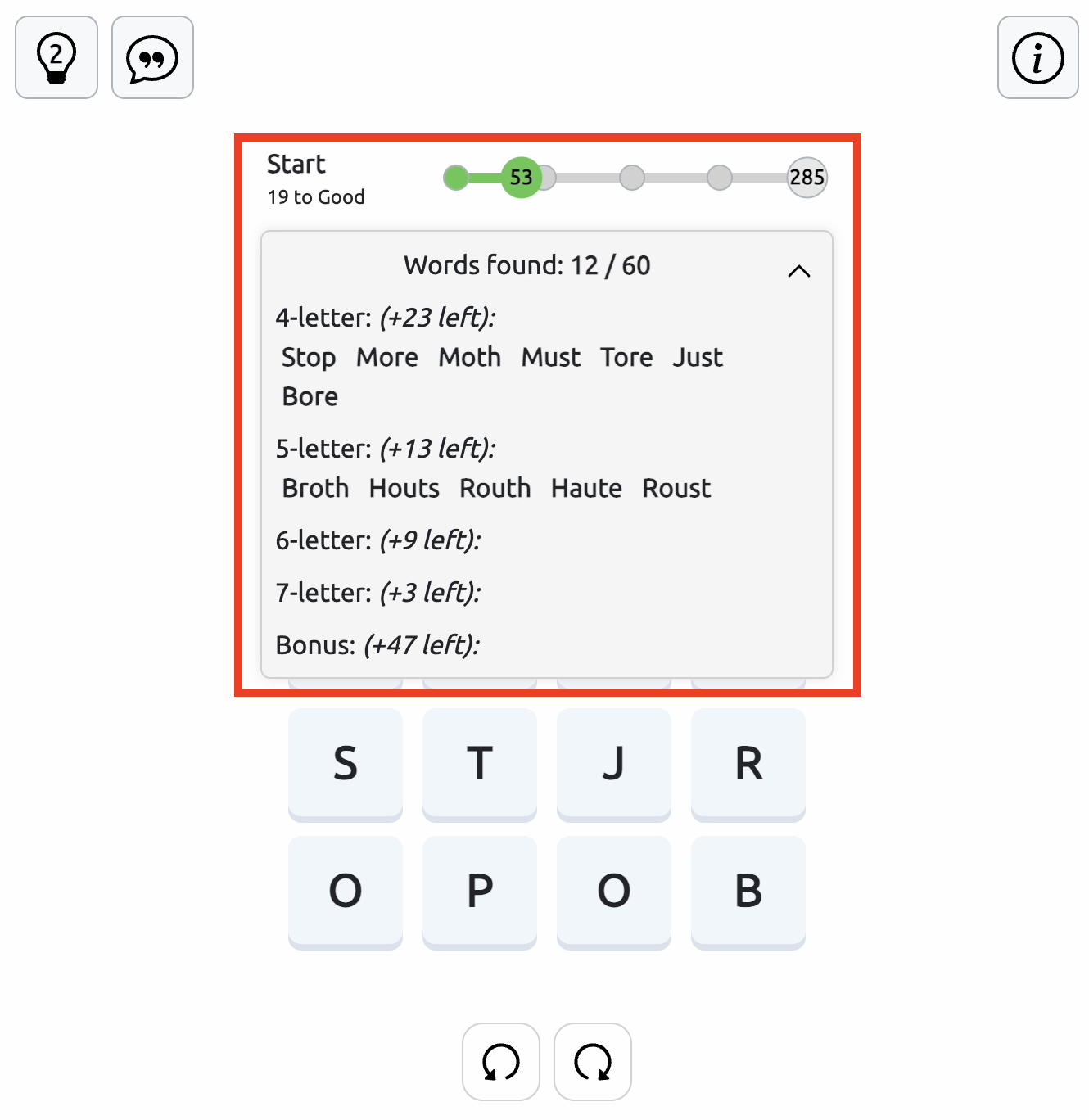
Rotate the Game Board
At the bottom of the game field, you'll find two rotation buttons that let you turn the board left or right. Use them to view the letters from different angles and spot word combinations you might have missed. Sometimes, a fresh perspective is all you need to find more words and get closer to victory.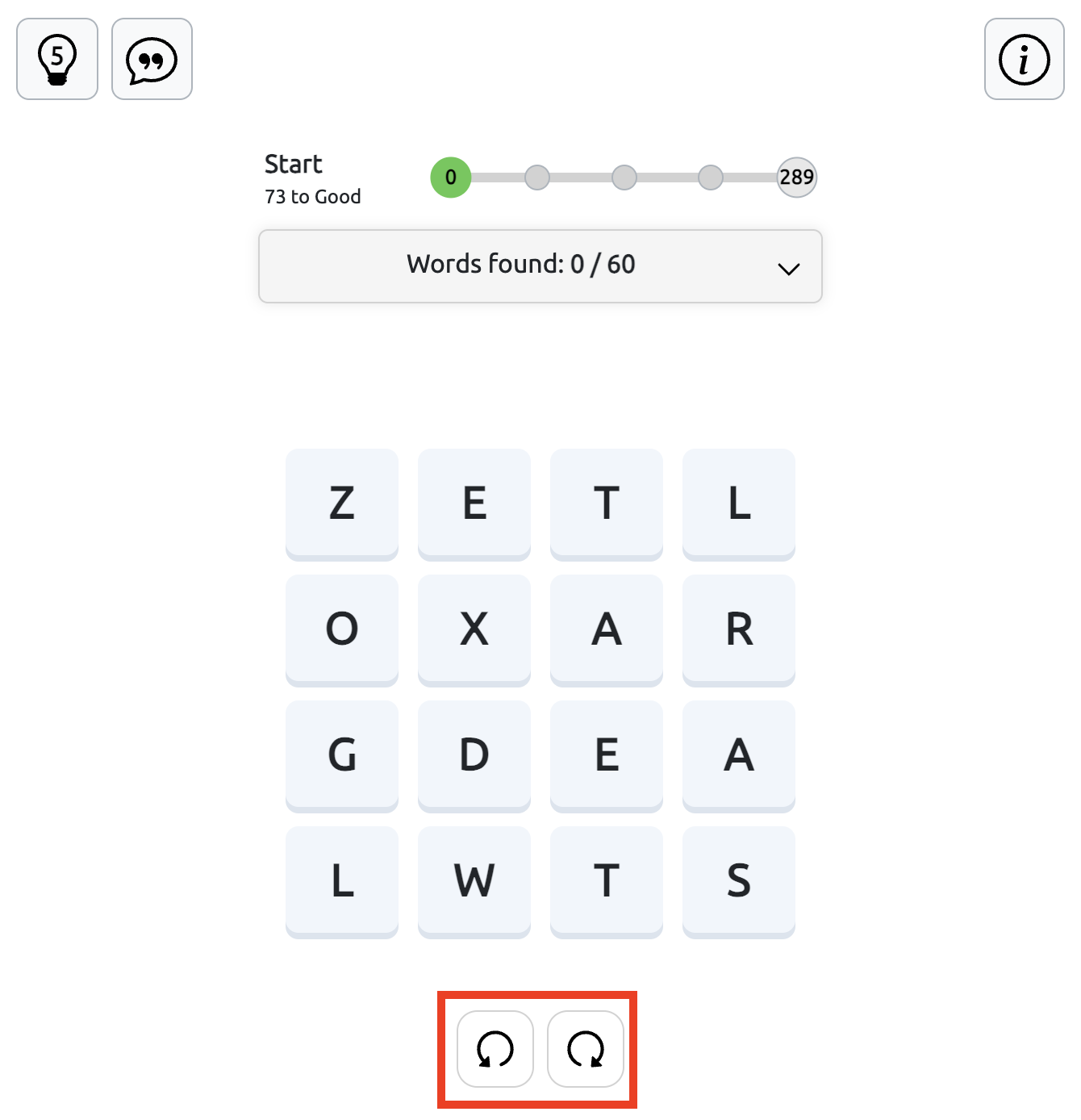
Bonus Words in Squares
While playing Squares, you may discover valid words that aren't included in the puzzle's main word list. These are called bonus words. They don't earn you extra points or count toward your final score, but they are still recorded in the list of guessed words above the game board.
How to Use Hints in Square
The Hint button is located in the top-left corner of the game field. You can use up to 5 hints per game to help you find words.
When you press the Hint button, the game reveals a word by highlighting its letters in green, one at a time, in the correct order. Watch the sequence carefully to see which letter comes first and which letters to connect next. The highlighted letters show you the path, but the word is not entered automatically. You must drag across the revealed letters in the same order and release to submit the word.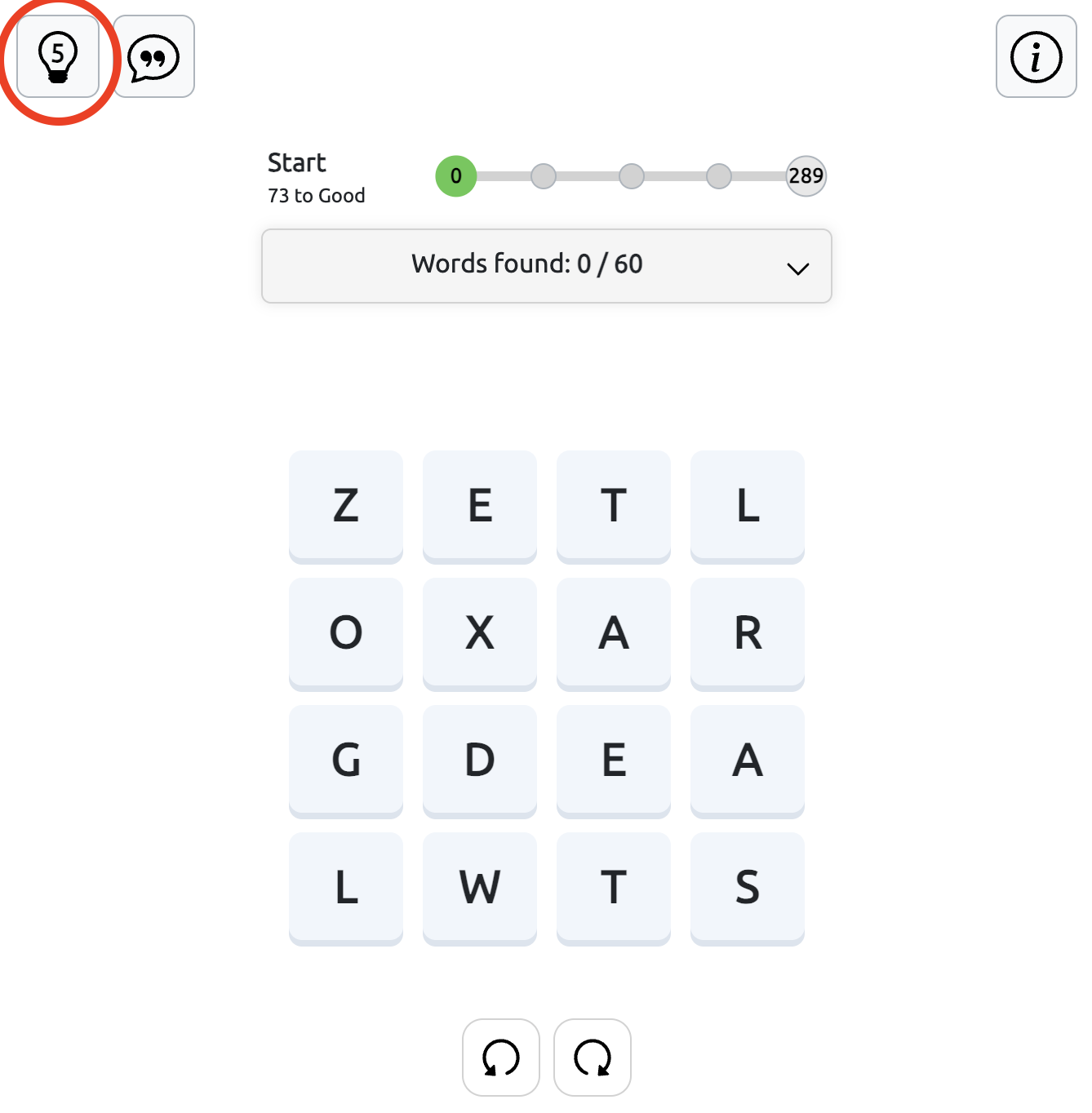
The Statistical Hint button, marked with a speech bubble icon, is located in the top-left corner of the game field. Click it to see a breakdown of the words available in the current puzzle.
The pop-up shows the total number of words, the maximum available score, and a table of starting letters grouped by word length (4, 5, 6, and 7 letters). You can use these statistics to see how many words begin with each letter and focus your search on words you haven't found yet.
The statistical hint also provides information about the first two letters of words, helping you identify possible word beginnings without revealing complete answers.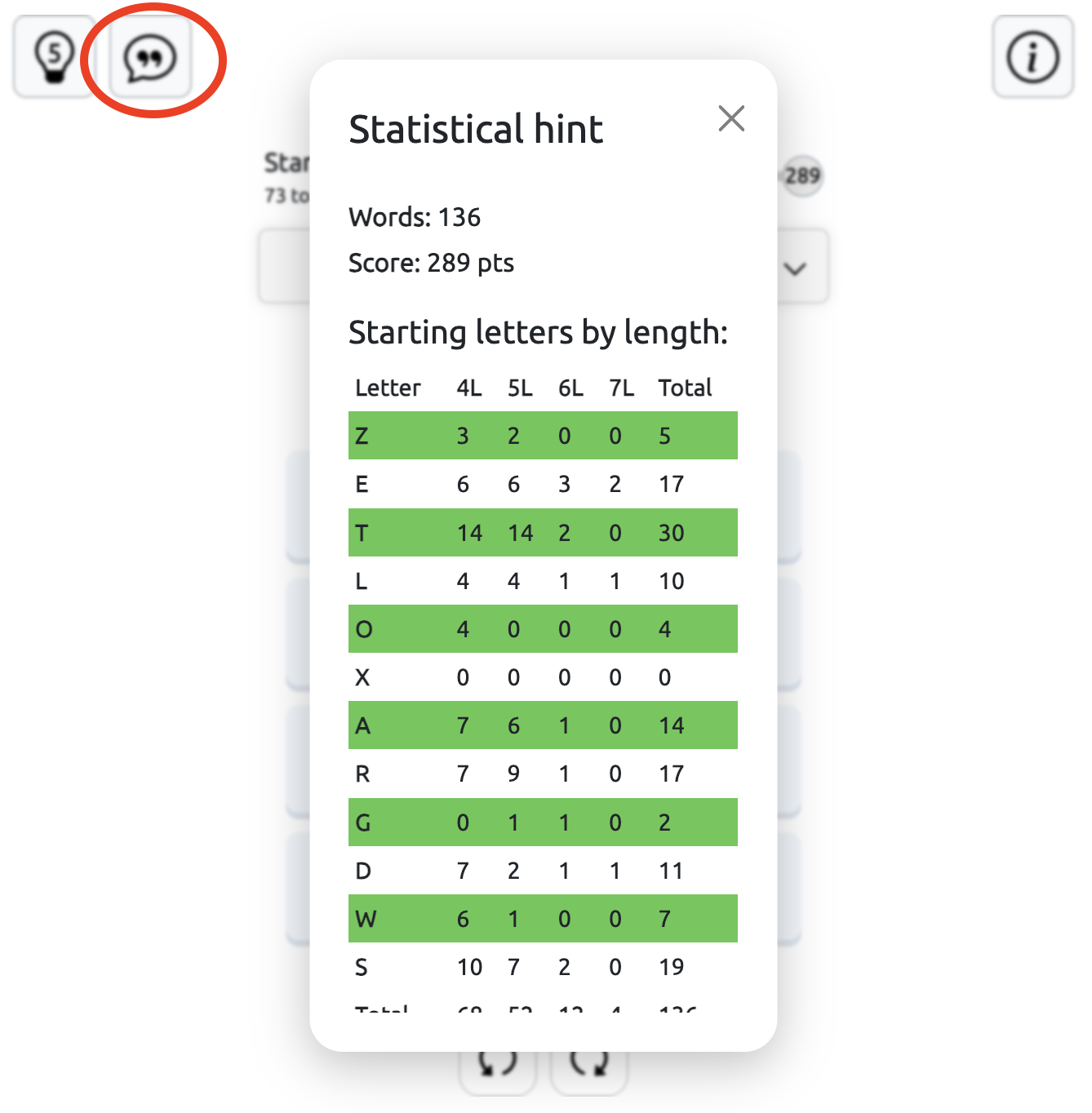
Why Play Squares (Squaredle)?
This puzzle combines the best elements of word searches, Boggle, and Wordle — but with a daily, evolving twist. It’s perfect for players who love to test vocabulary, sharpen focus, and enjoy a calm yet competitive challenge.
Squares adapts easily to mobile and desktop browsers, so you can play wherever you are — at school, during a break, or at home.
Play Squares Online Free
No login, no downloads — just open your browser and start connecting letters. Play the latest Squares (Squaredle) puzzle and see how many words you can discover before the next one drops at midnight.
Can you find them all and earn 5 stars today?
Try other word puzzles - Wordle Unlimited, Spelling Bee and Dordle. Meet our new addition - Combinations Word Game
Enjoying these games? Discover more in our Free Online Games collection. Browse even more titles on our Unblocked Games and Unblocked Games G+ pages.
Looking for games you can play at school? Check out Classroom 6x Unblocked Games.