Popular Puzzle Games



















No Internet Game: Play the Chrome Dino Game Online
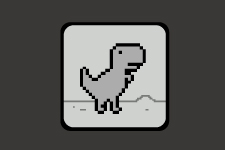
The no internet game is one of the most widely recognized casual games in digital history. Originally designed as a playful Easter egg by the developers of Google Chrome in 2014, it was meant to entertain users when their connection dropped.
Today, you do not have to unplug your router or disable your Wi-Fi to enjoy the no internet game. Our platform offers no internet game free play directly in your browser, allowing you to jump, duck, and run whenever you want. Whether you know it as the no internet dinosaur game or the simple no internet dino game, it remains a beloved staple of casual online gaming.
The Origins of the Google No Internet Game
To understand the enduring appeal of the chrome no internet game, it helps to look at how it started. Officially code-named "Project Bolan" after the lead singer of the 1970s rock band T. Rex, Marc Bolan, the game was designed to take users back to the "prehistoric age" before modern Wi-Fi existed.
The team behind the google no internet game wanted to create a minimalistic arcade style that felt retro and highly responsive. The result was a pixelated T-Rex running through a endless desert landscape, dodging obstacles in a loop that theoretically takes roughly 17 million years to complete — the same amount of time the T-Rex species actually existed on Earth.
Gameplay Rules and Controls of the Dino Game No Internet
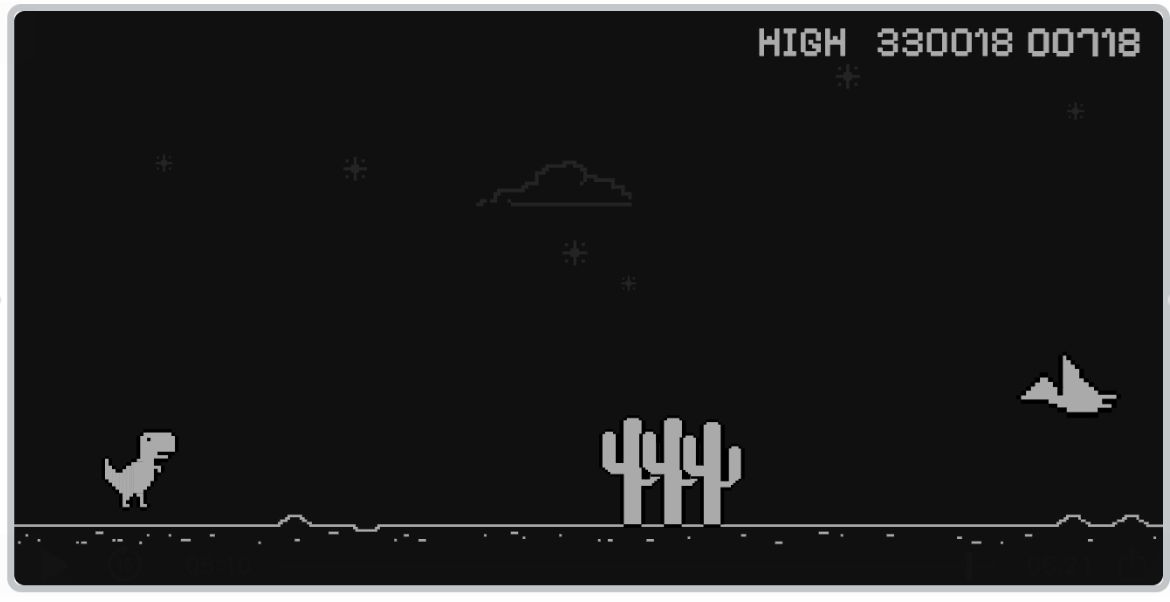
The Dinosaur Game has simple controls, but staying in the game becomes harder as the T-Rex picks up speed.
-
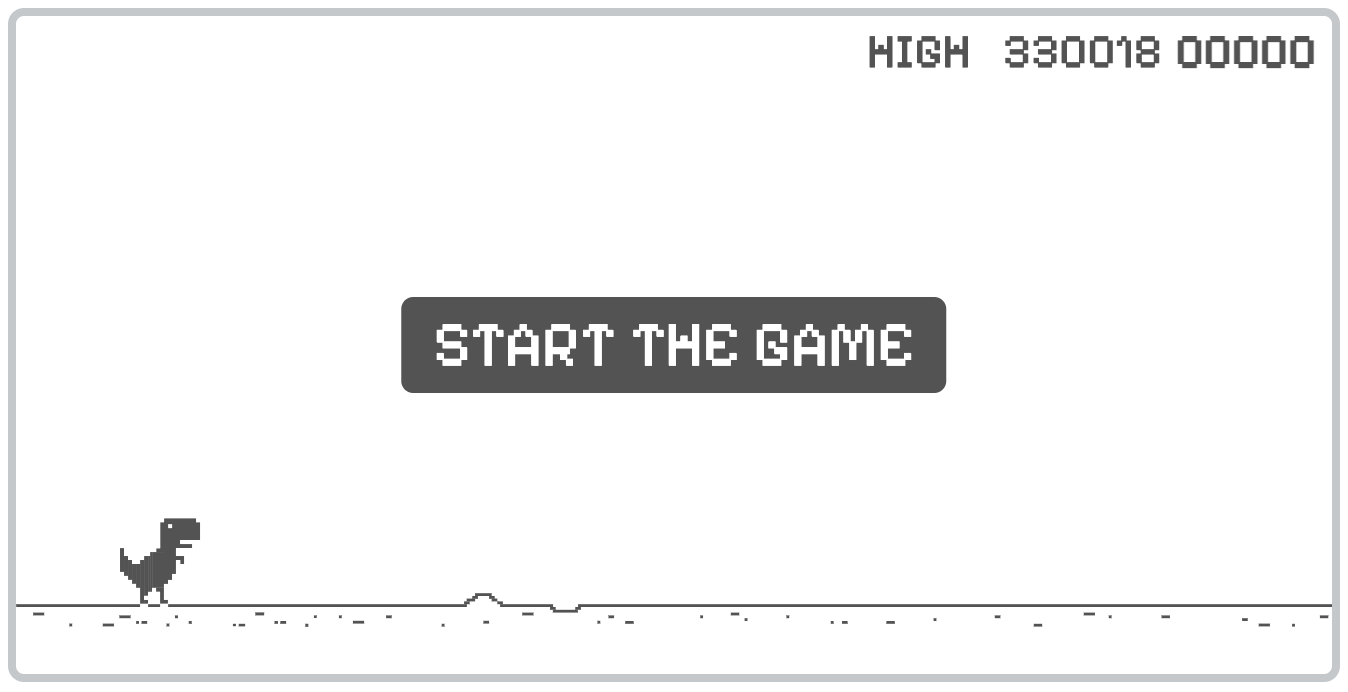
Starting the Game: Press the Spacebar on your keyboard or tap the screen on a mobile device to get the dinosaur running.
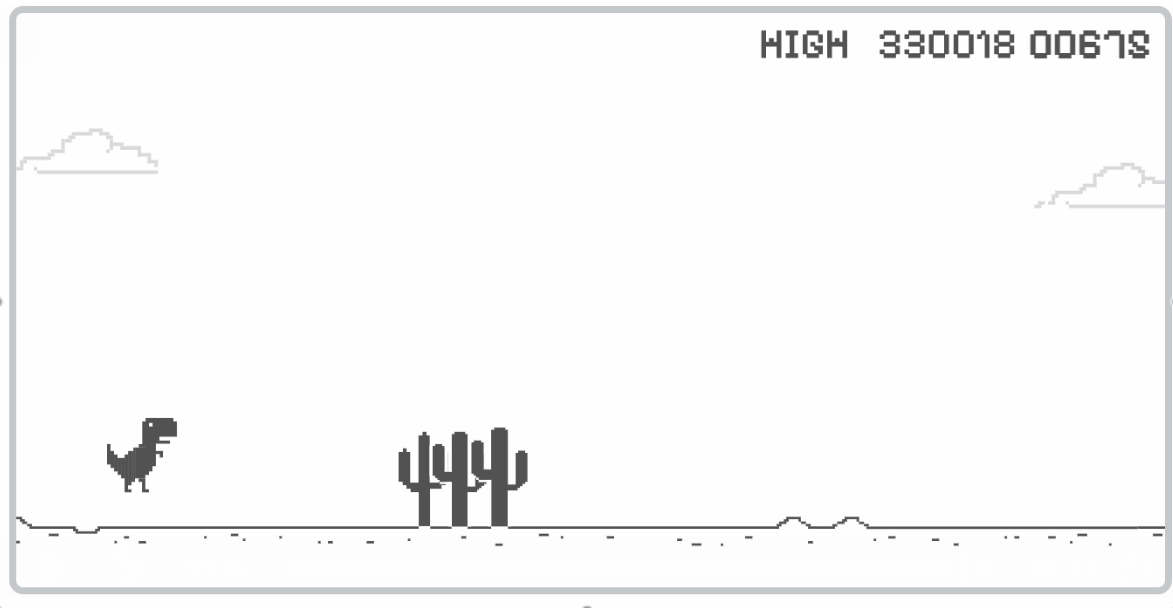
- Jumping Over Obstacles: Press the Spacebar or Up Arrow when the dinosaur approaches a cactus. Start your jump slightly earlier when several cacti appear together. As the running speed increases, you'll need to react faster. Jump over low-flying pterodactyls and keep running when they fly above the dinosaur.
-
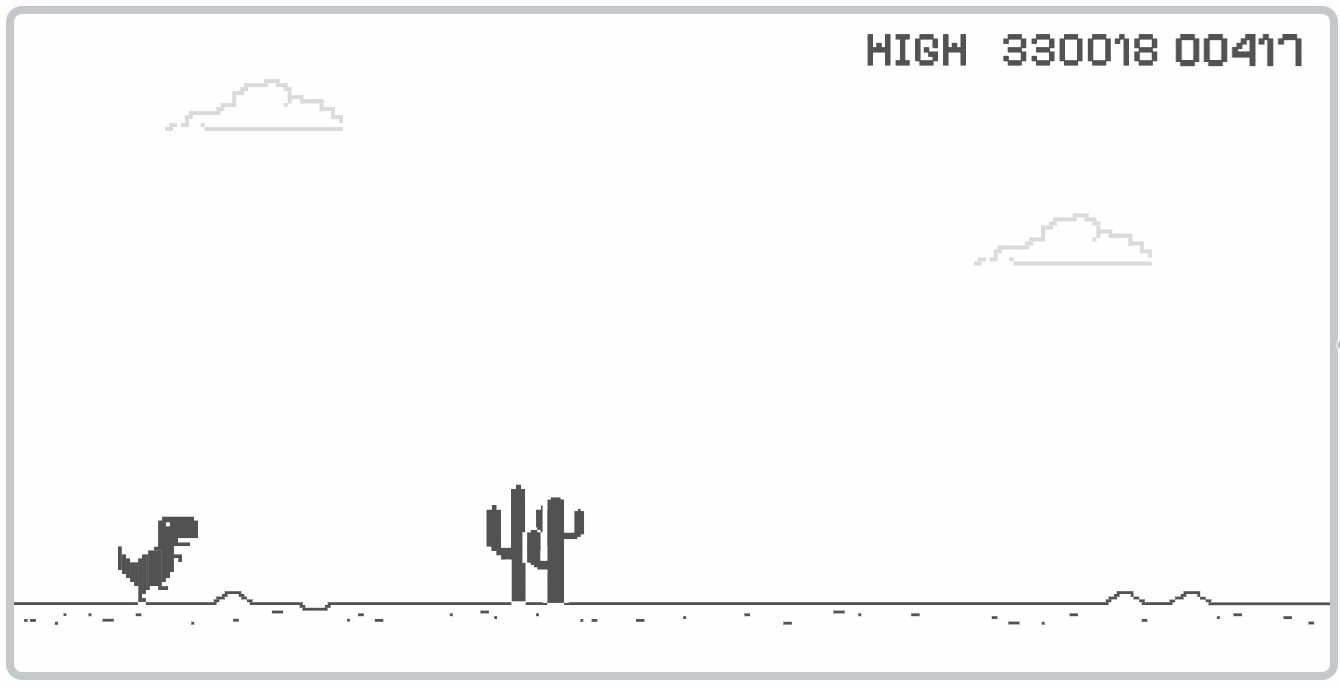
Cactus Obstacles: Cacti appear individually or in groups of up to four. Their arrangement and spacing vary throughout the game, making each run different. Keep an eye on upcoming obstacles and adjust the timing of your jumps accordingly.
-
Increasing Speed: The longer you survive, the faster the dinosaur runs, leaving you less time to react to approaching obstacles.
-
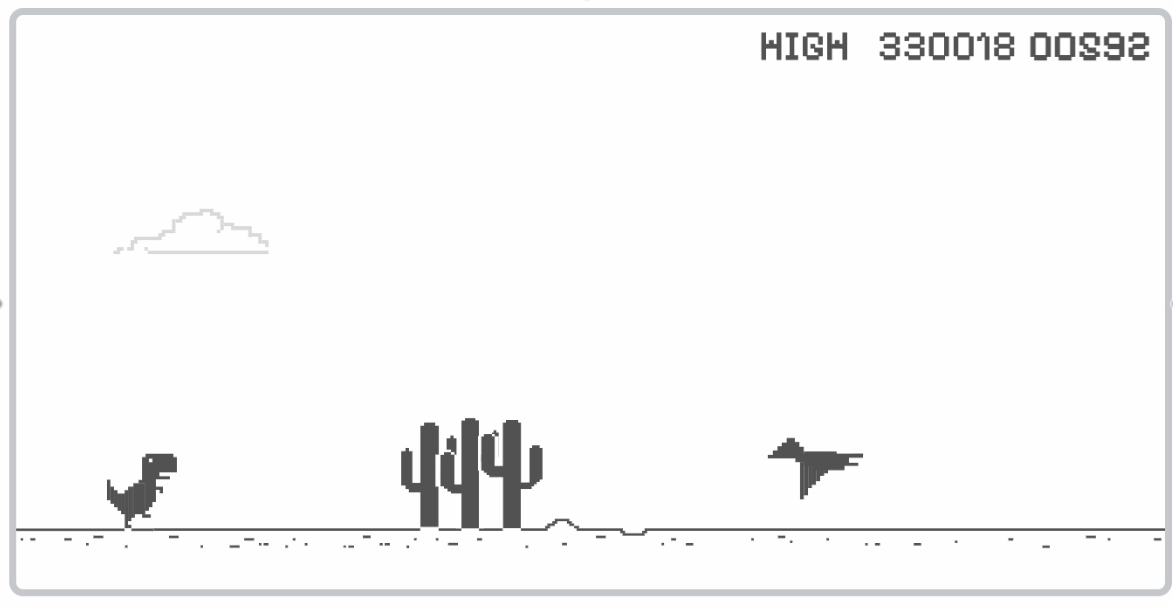
Flying Obstacles: After reaching 400 points, pterodactyls begin to appear. You'll need to pay attention to their flying height while continuing to avoid cacti.
-
Day and Night Mode: Every 700 points, the background switches between daylight and nighttime. The changing scenery adds variety to the endless dinosaur run.
Play the No Internet Dinosaur Game Unblocked Anywhere
Many local networks at schools, universities, or workplaces restrict access to gaming websites. However, our platform provides the no internet game unblocked, allowing you to bypass network filters safely.
By hosting the no internet dinosaur game unblocked here, you can load the game instantly without needing to disconnect your computer from the network. It is a lightweight, low-resource distraction that is ideal for a quick mental break during a busy day.
Tips to Master the No Internet Game Dino
To achieve a higher score in the no internet game dino, players can utilize a few simple strategies:
-
Stay Grounded: Only jump when necessary. The longer your dinosaur is in the air, the less control you have over its position. Landing quickly helps you prepare for the next obstacle.
-
Use the Down Arrow: On desktop, pressing the down arrow while in mid-air forces the dinosaur to land faster. This is incredibly useful in the dinosaur no internet game when obstacles are spaced closely together.
-
Anticipate the Speed: The game accelerates quickly. Focus your eyes slightly ahead of the dinosaur rather than directly on it, giving your brain more time to react to incoming hazards.
Whether you call it the no internet dinosaur game or just a simple time-killer, mastering these minor mechanics can help you set impressive new personal records. You no longer have to wait for your connection to drop to enjoy the no internet dinosaur game — simply press play and start running today!
There are also a few alternative options to explore:
- no internet game on Montessori Childrens Community
- no internet game on Memory Games
- no internet game on Unblocked Games Art
- no internet game on Learn English 1-2-1